
Boat Orders unlock upon reaching Leaf Grade and are one of the main ways to earn Gold and Parts. (See the separate guide for details on Shop Grade.)
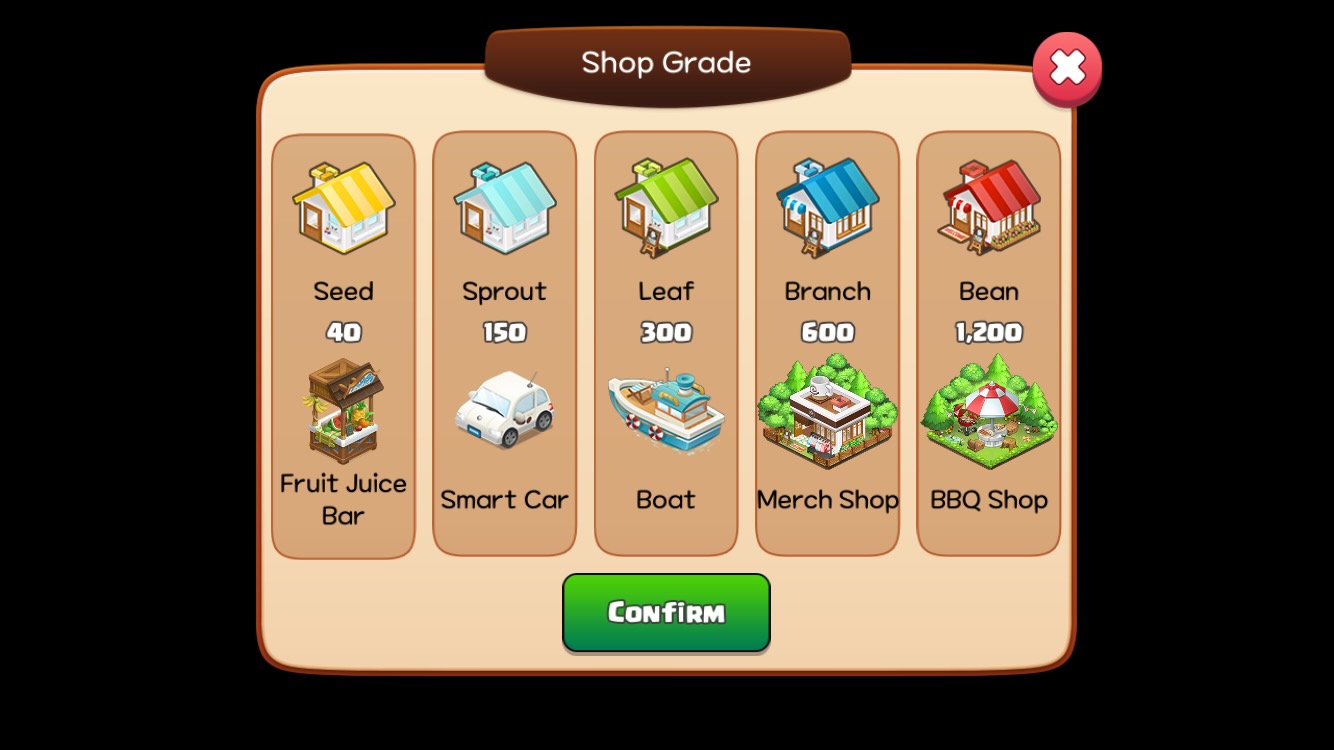
Getting Started with Boat Orders
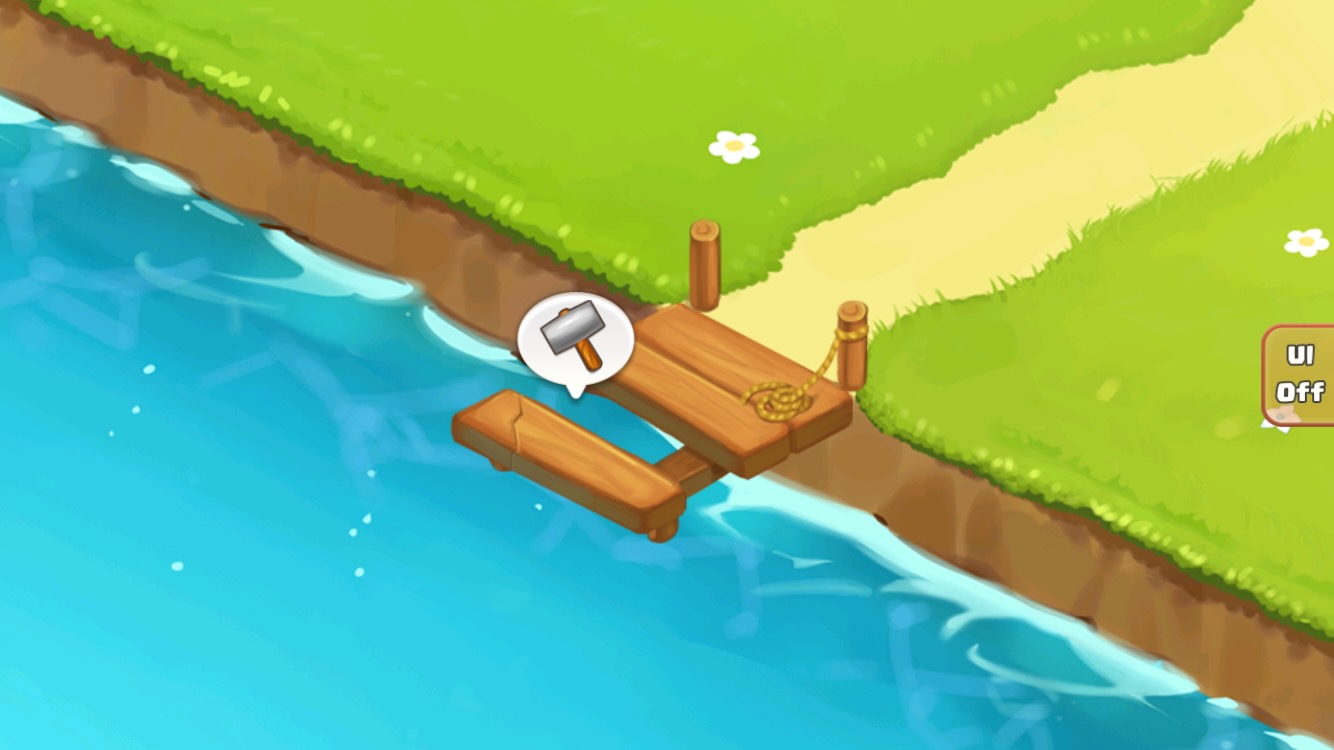
Reach Leaf Grade: A hammer icon will appear above the dock.
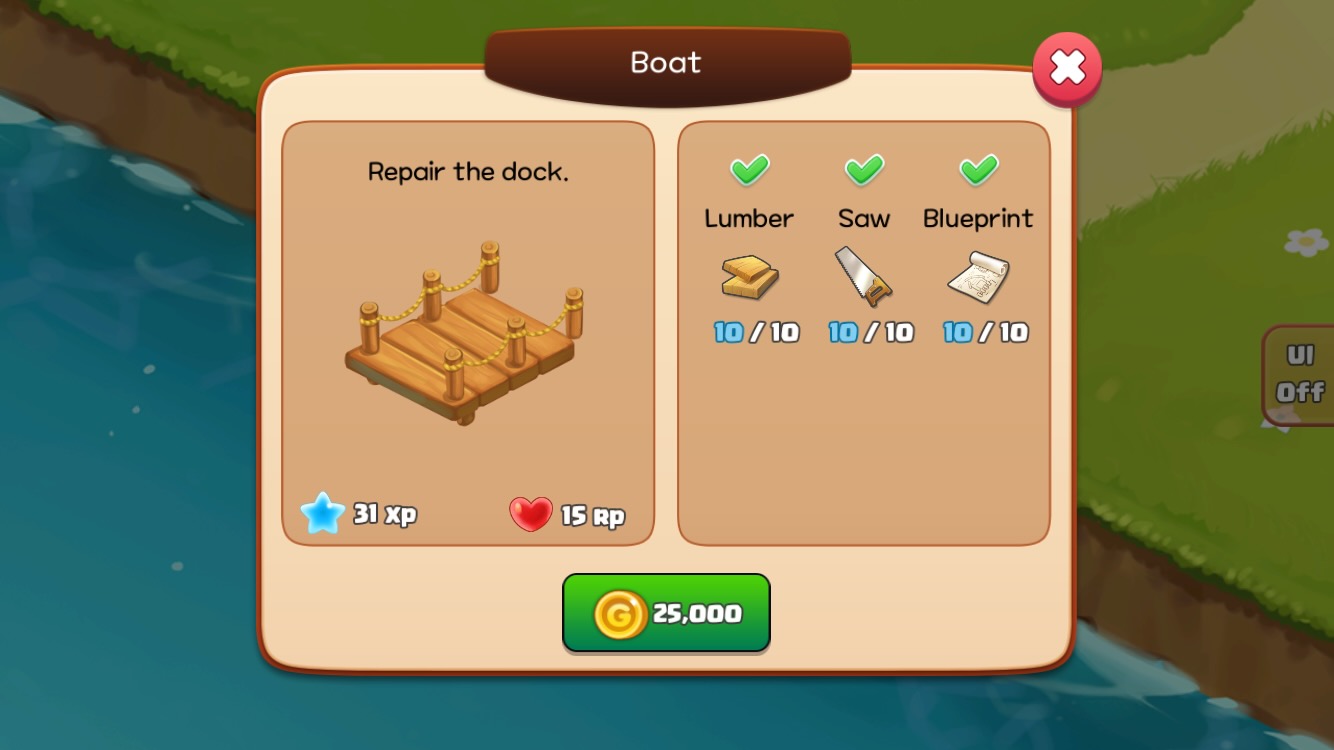
Repair the Dock: Repair it using 25,000 Gold and 10 of each Part.
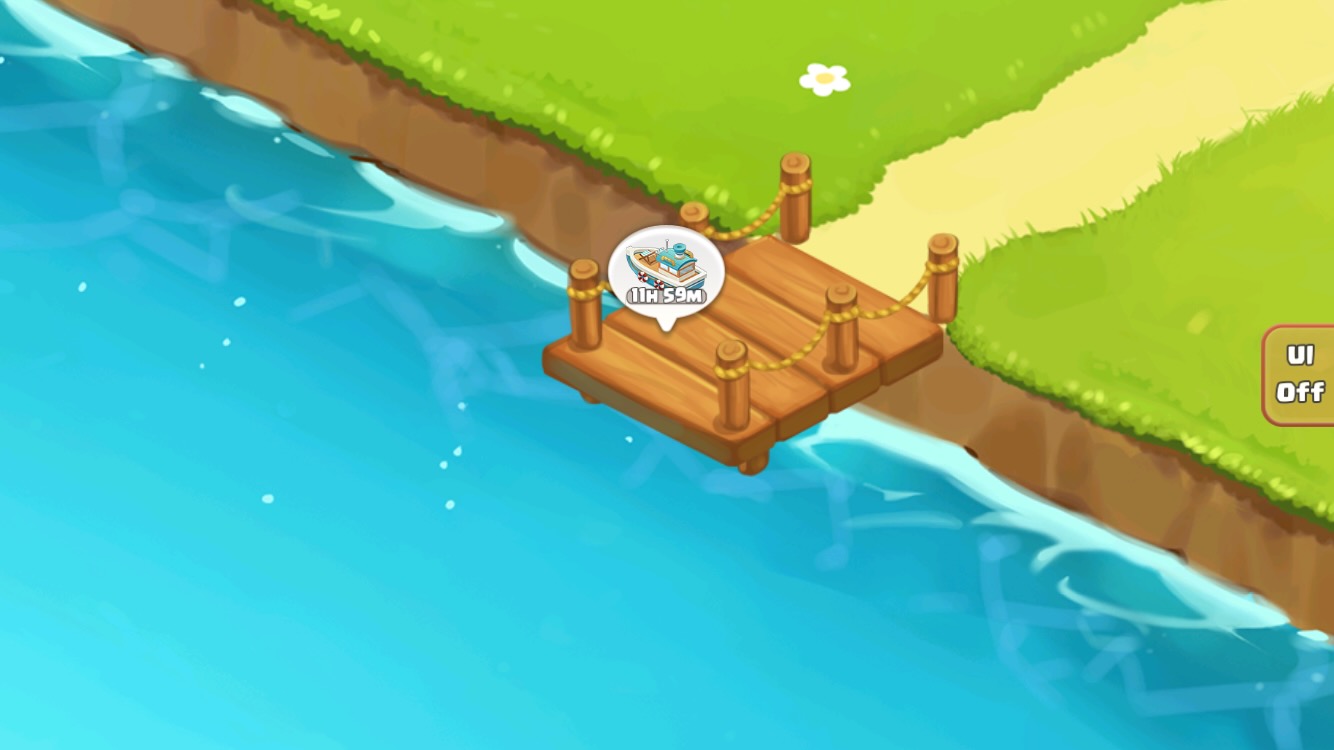
Wait for the Boat: The boat will arrive 12 hours after the dock is repaired.
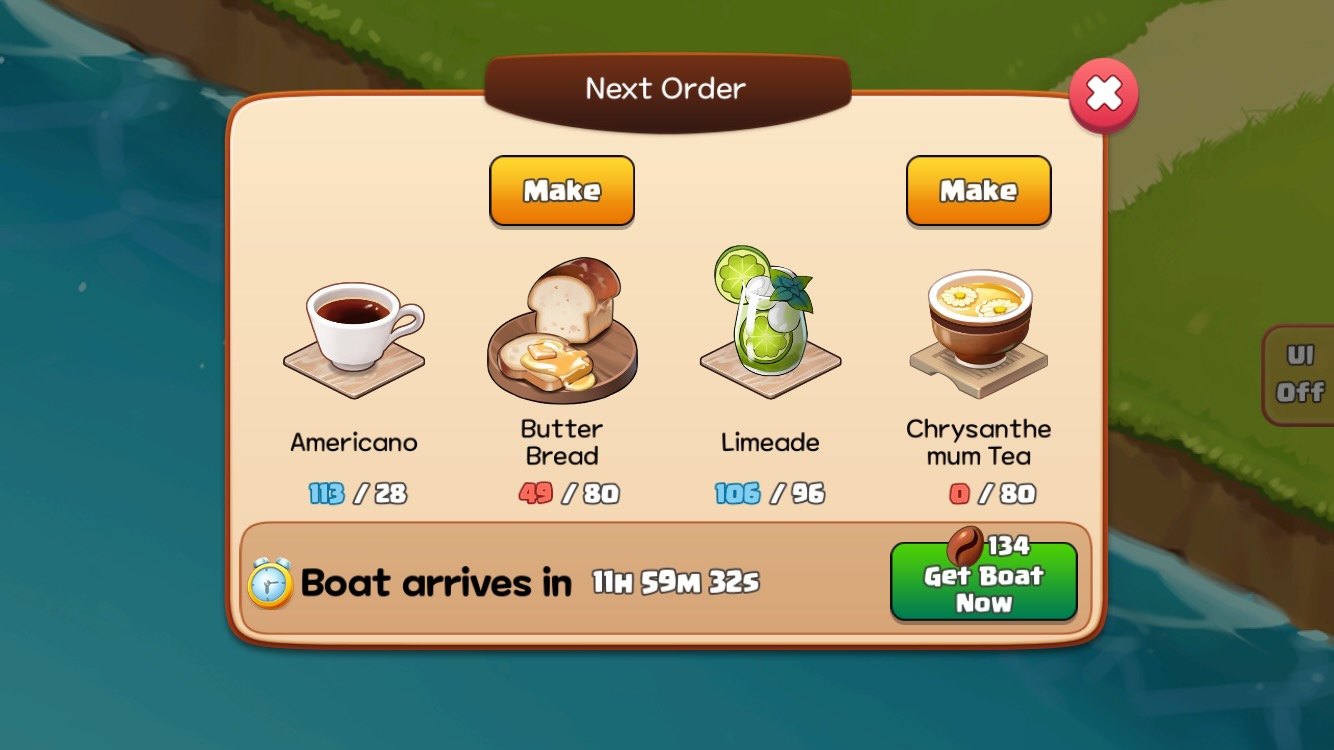
Check and Prepare Orders: Tap the boat icon to check the next order's items and make any missing items by tapping the 'Make' button.
Loading Boat Orders
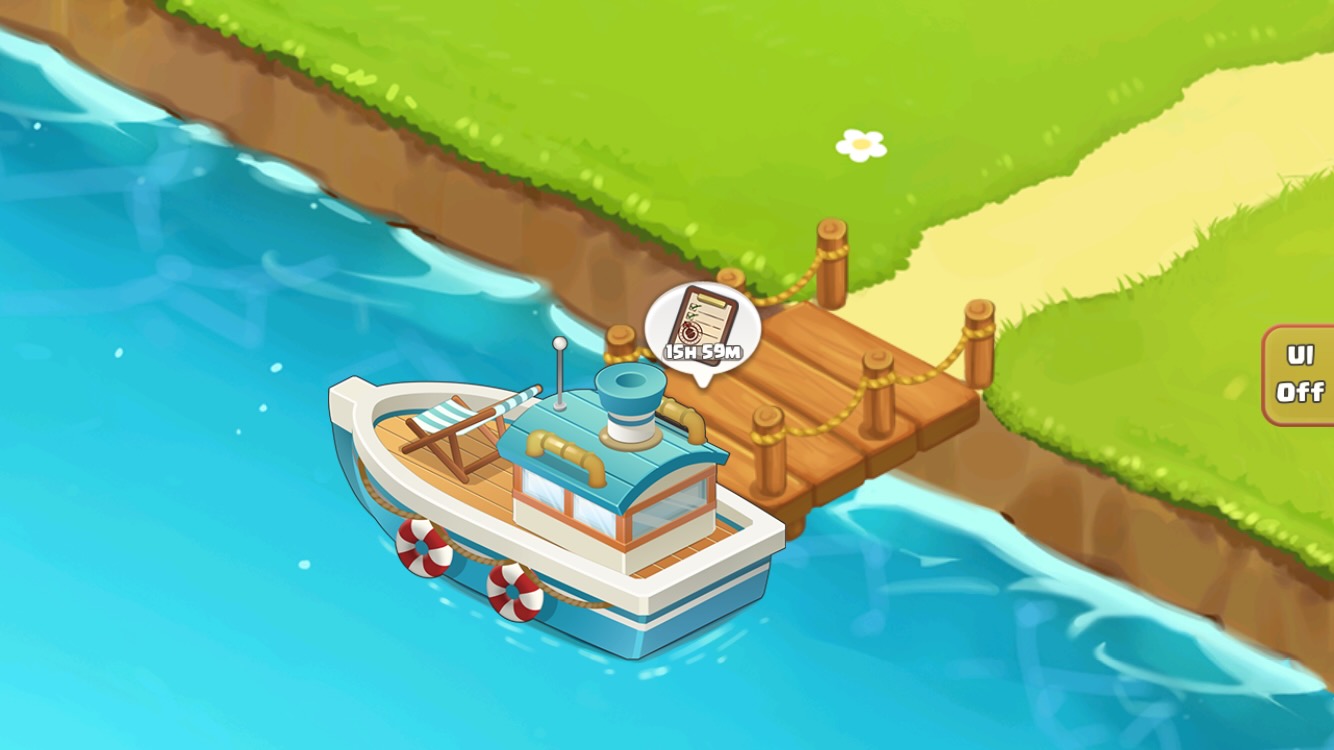
Boat Arrival: Tap the boat or order icon to open the order details pop-up window.
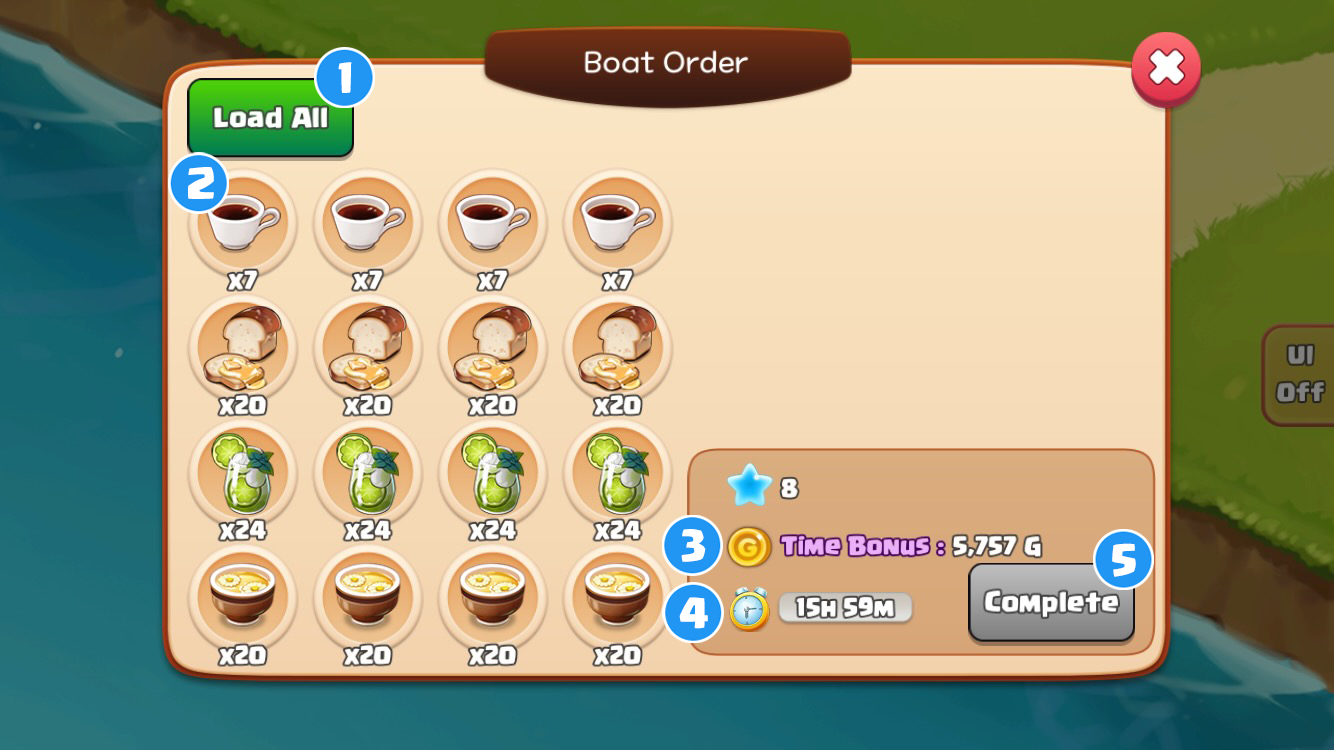
- 1 'Load All' button: Load all available items at once.
- 2 Select individual items: Select and load items one by one.
- 3 Time Bonus: The boat stays at the dock for 16 hours. The faster you load, the more time bonuses you'll receive.
- 4 Remaining Time: The boat will leave after 16 hours. Complete loading and receive rewards before it departs.
- 5 Loading complete: The 'Complete' button will be activated once all items are loaded.
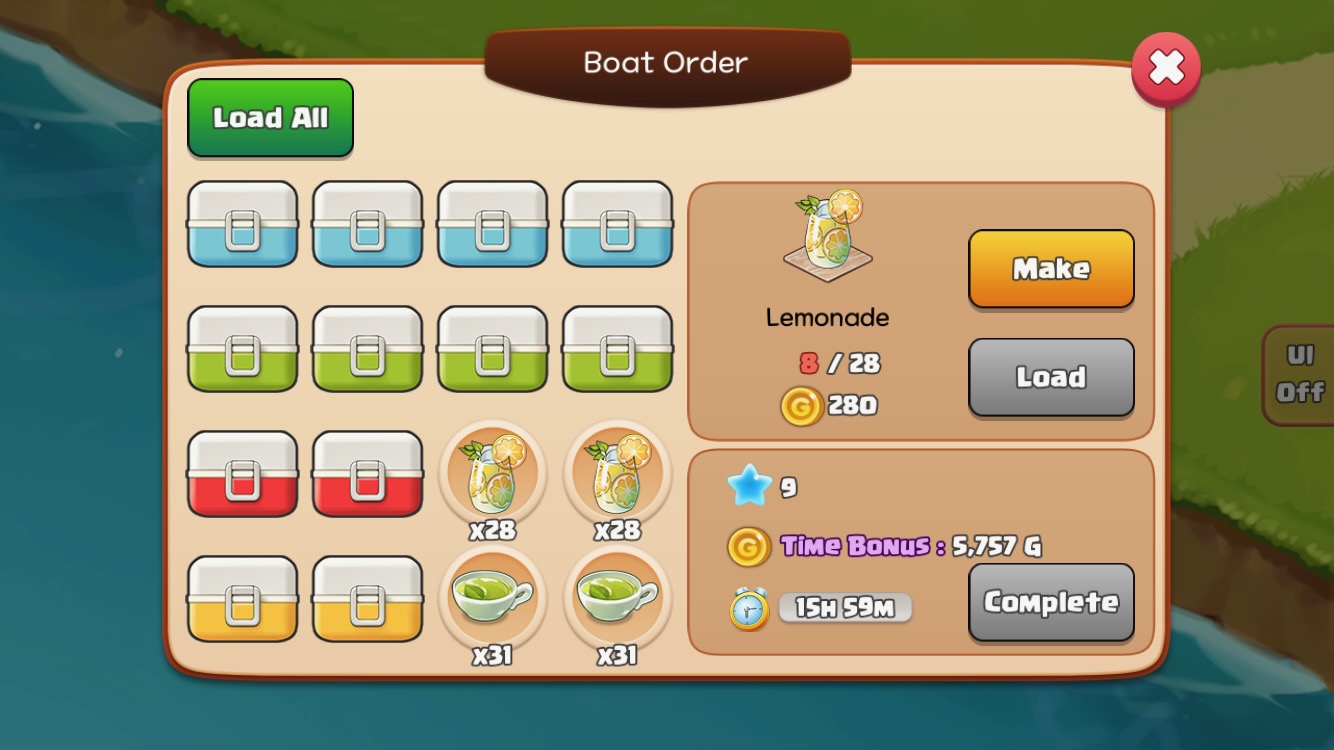
If Items Are Missing: Tap the 'Make' button to go to the Item Production screen.
Loading Complete
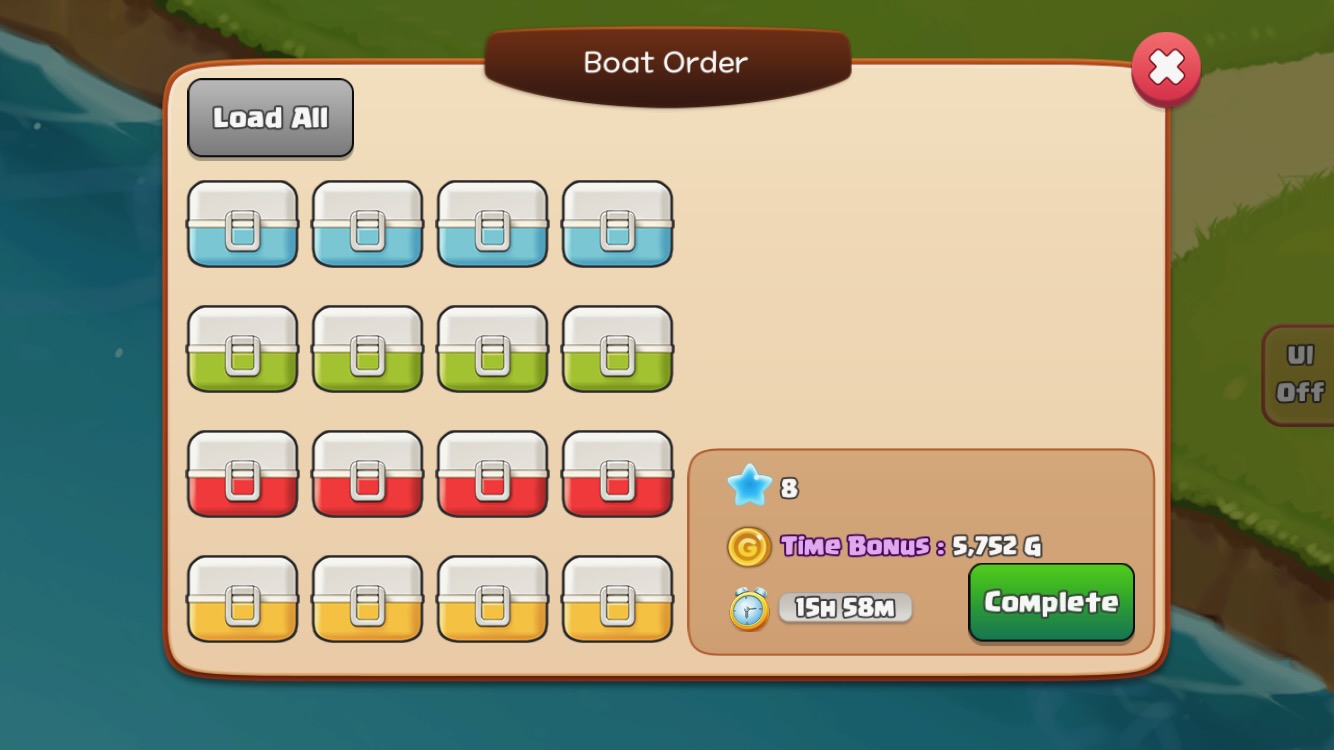
Loading Complete: The 'Complete' button will be activated once all items are loaded.
Boat Color Unlock
- Waiting Time Decrease with Paint Color Unlocks: Decreases by 30 minutes for each Paint color unlocked.
- Paint materials: Gold and 52 pieces of Paint in each color are required.