
New to Hello Coffee Shop? Learn the basics of gameplay and earn rewards through Manager Missions! There are 17 missions in total, each unlocking automatically as you level up.
Mission List
| Title | Description | Required Level | Rewards | Reference |
| 1. Shop Name | Change your shop's name | Level 2 | 500 Gold 10 EXP | Account/Profile |
| 2. Profile Image | Change your profile image | Level 2 | 500 Gold 10 EXP | Account/Profile |
| 3. Connect Account | Connect your Google or Apple account | Level 2 | 500 Gold 10 EXP | Account/Profile |
| 4. Booster | Use a booster | Level 2 | 500 Gold 10 EXP | Item Production |
| 5. Production Slot | Open 1 production slot | Level 2 | 3 Coco 10 EXP | Item Production |
| 6. Make a Friend | Make 1 friend | Level 2 | 500 Gold 10 EXP | Friends |
| 7. Shop Grade | Reach Seed Grade I | Level 2 | 500 Gold 10 EXP | Shop Grade |
| 8. Manager Upgrade | Upgrade Manager to Level 2 | Level 3 | 1,000 Gold 20 EXP | Manager |
| 9. Barista Upgrade | Upgrade Barista to Level 2 | Level 3 | 1,000 Gold 20 EXP | Makers |
| 10. Serving Staff Upgrade | Upgrade Serving Staff to Level 2 | Level 3 | 1,000 Gold 20 EXP | Serving Staff |
| 11. Cashier Upgrade | Upgrade Cashier to Level 2 | Level 3 | 1,000 Gold 20 EXP | Cashiers |
| 12. Storage Upgrade | Upgrade storage to Level 2 | Level 3 | 1,000 Gold 20 EXP | Storage |
| 13. Table and Chair | Place at least 5 tables and 5 chairs | Level 3 | 1,000 Gold 20 EXP | Decoration |
| 14. Display Stand | Install 1 Marble Display Stand with 86 capacity | Level 4 | 1,500 Gold 30 EXP | Decoration |
| 15. Coffee Shop Expansion | Expand your Coffee Shop to 8x7 size | Level 4 | 1,500 Gold 30 EXP | Shop Expansion |
| 16. Shop Reputation | Reach 180 Shop Reputation points | Level 4 | 2,000 Gold 40 EXP | Shop Reputation |
| 17. Shop Grade | Reach Sprout Grade I | Level 4 | 2,000 Gold 40 EXP | Shop Grade |
Checking Missions and Claiming Rewards
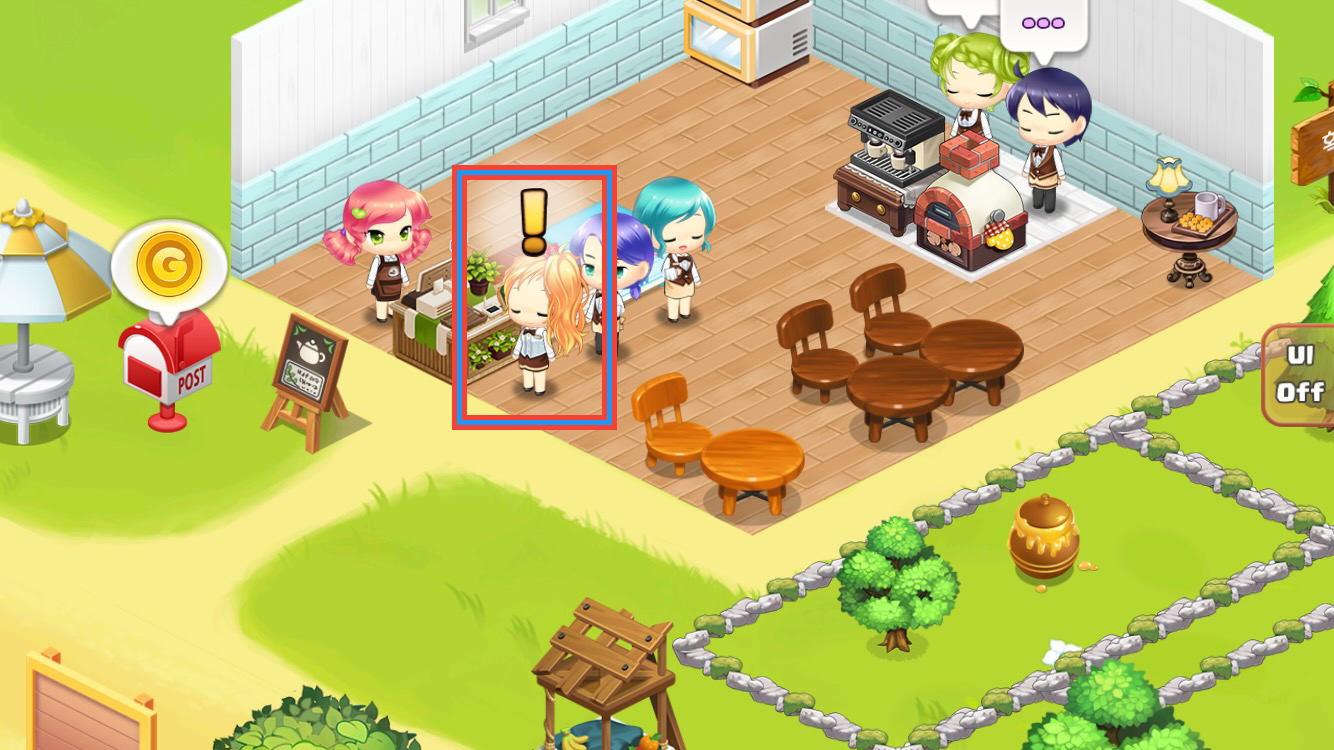
Tap the Manager.
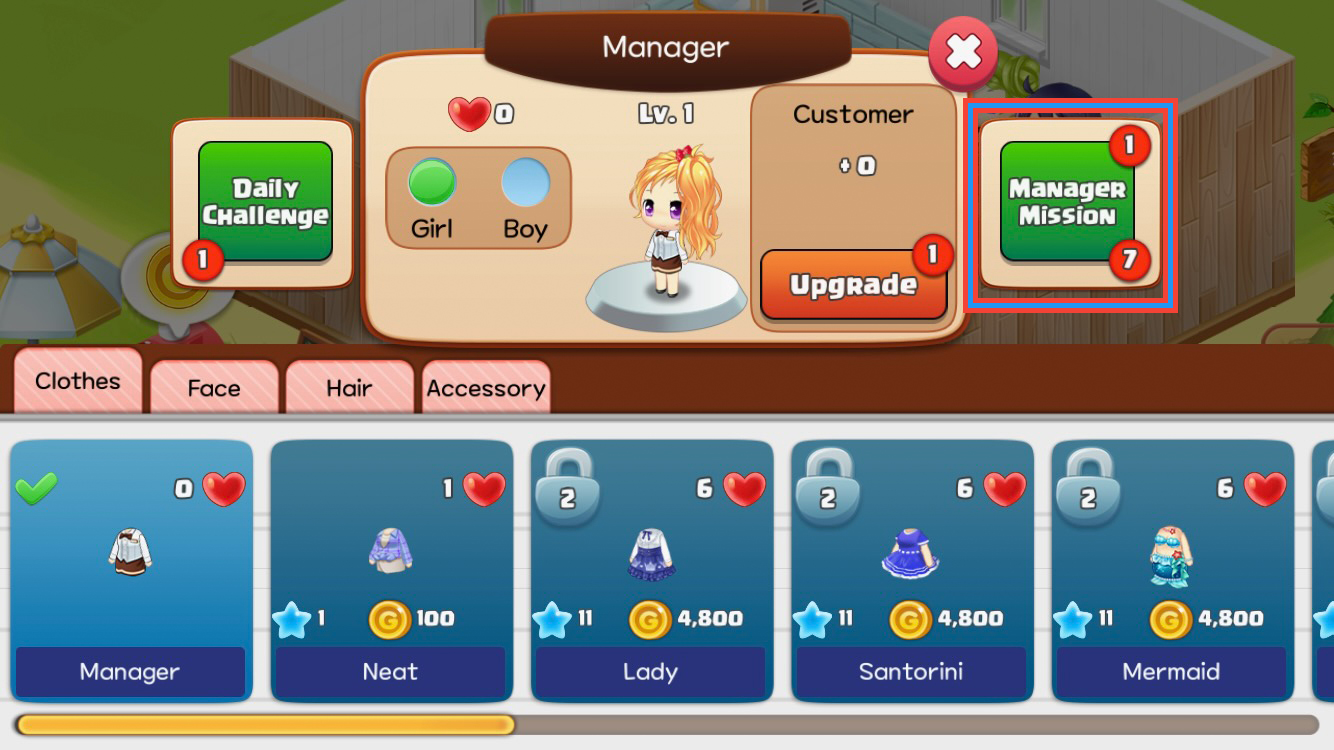
Check the number of completed(1 in the example above) and ongoing(7 in the example above) missions.
Tap the 'Manager Mission' button for details.
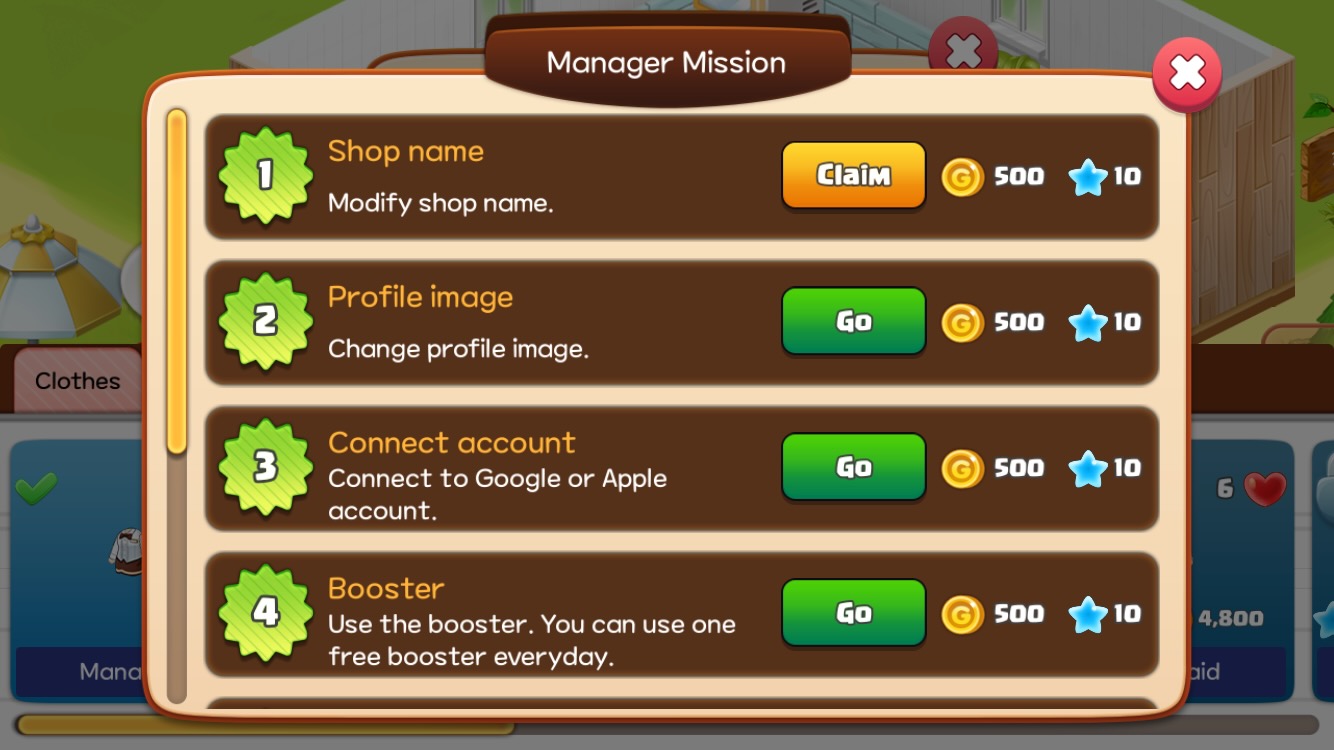
Tap the 'Claim' button for completed missions.
Tap the 'Go' button for help with incomplete missions.