
Storage is where you keep produced items. Items in storage can be put on display stands in your shop or used for Takeout Orders, Smart Car Deliveries, and Boat Orders.
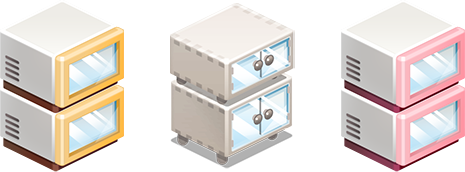
Each shop (Coffee Shop, Goods Shop, BBQ Shop) has its own storage.
Storing Completed Items
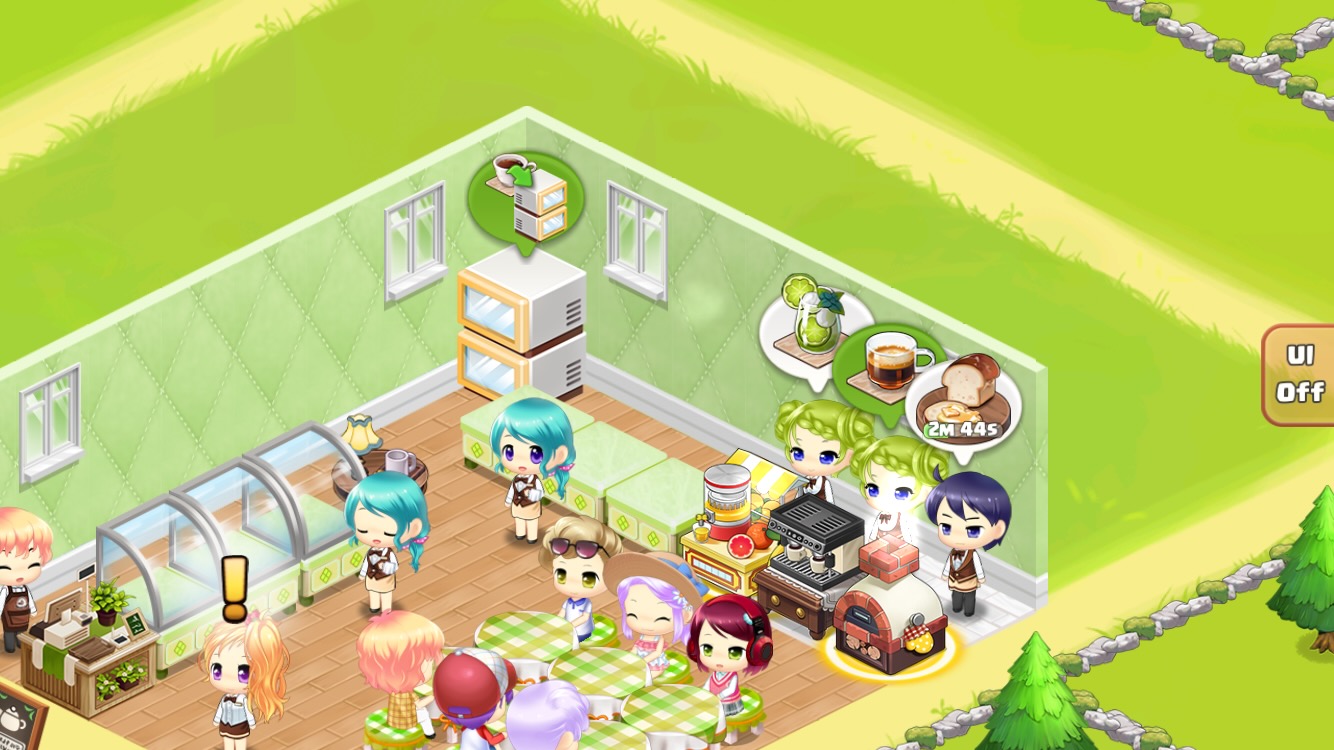
Ready for Storage: A green balloon appears above the storage.
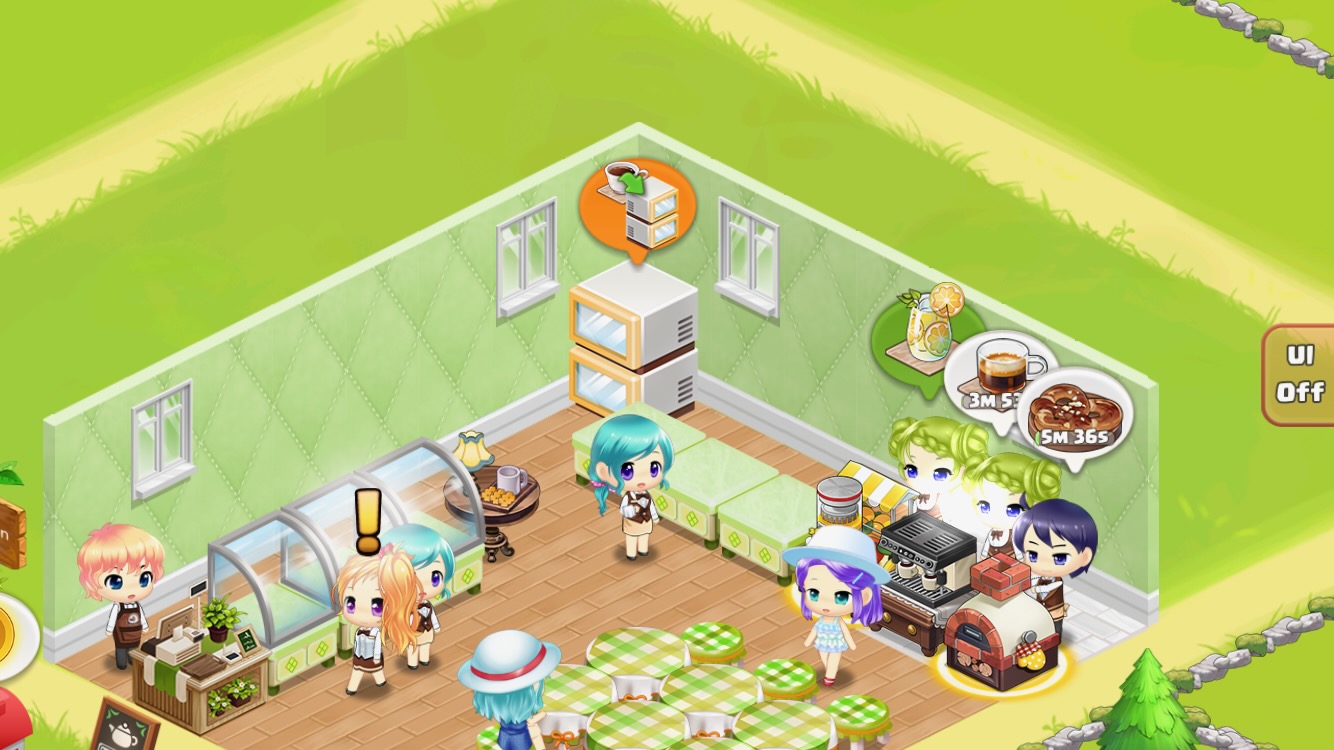
Insufficient Storage Space: An orange balloon appears above the storage.
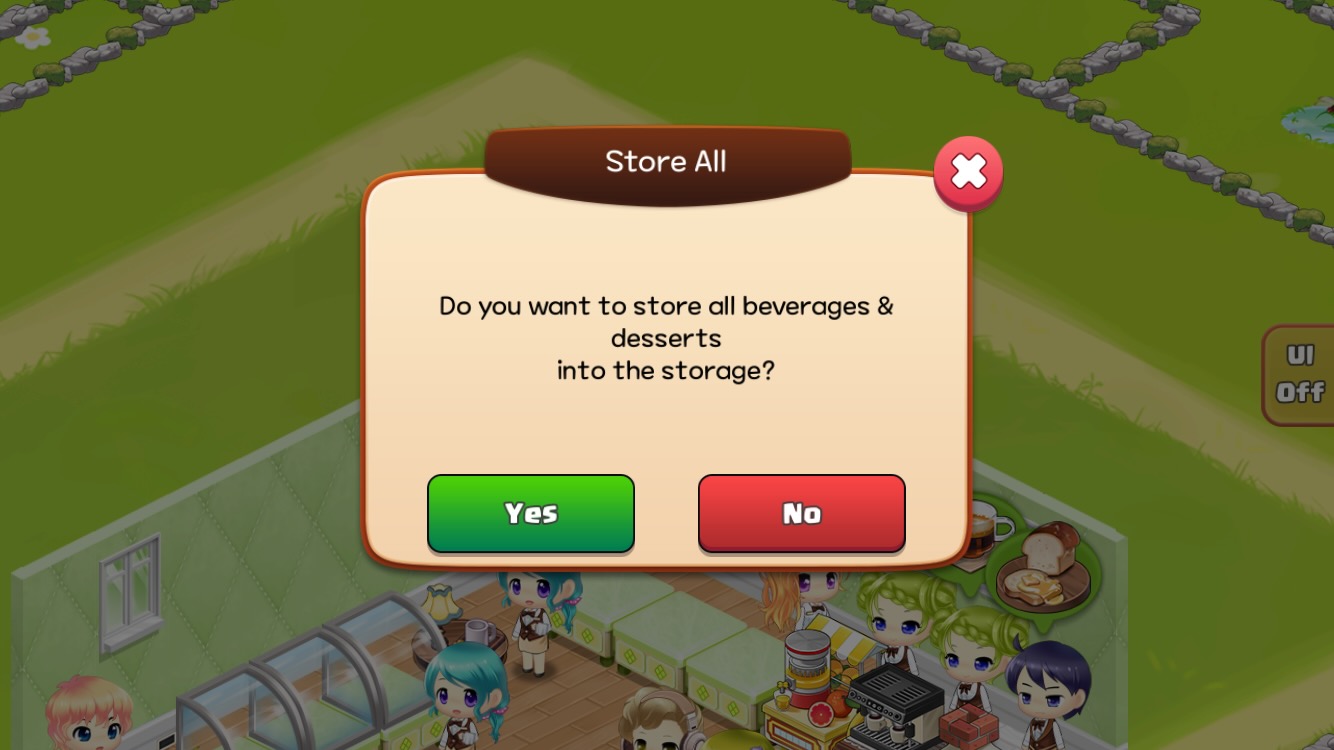
Store All at Once: Tap the green balloon to store all completed items.
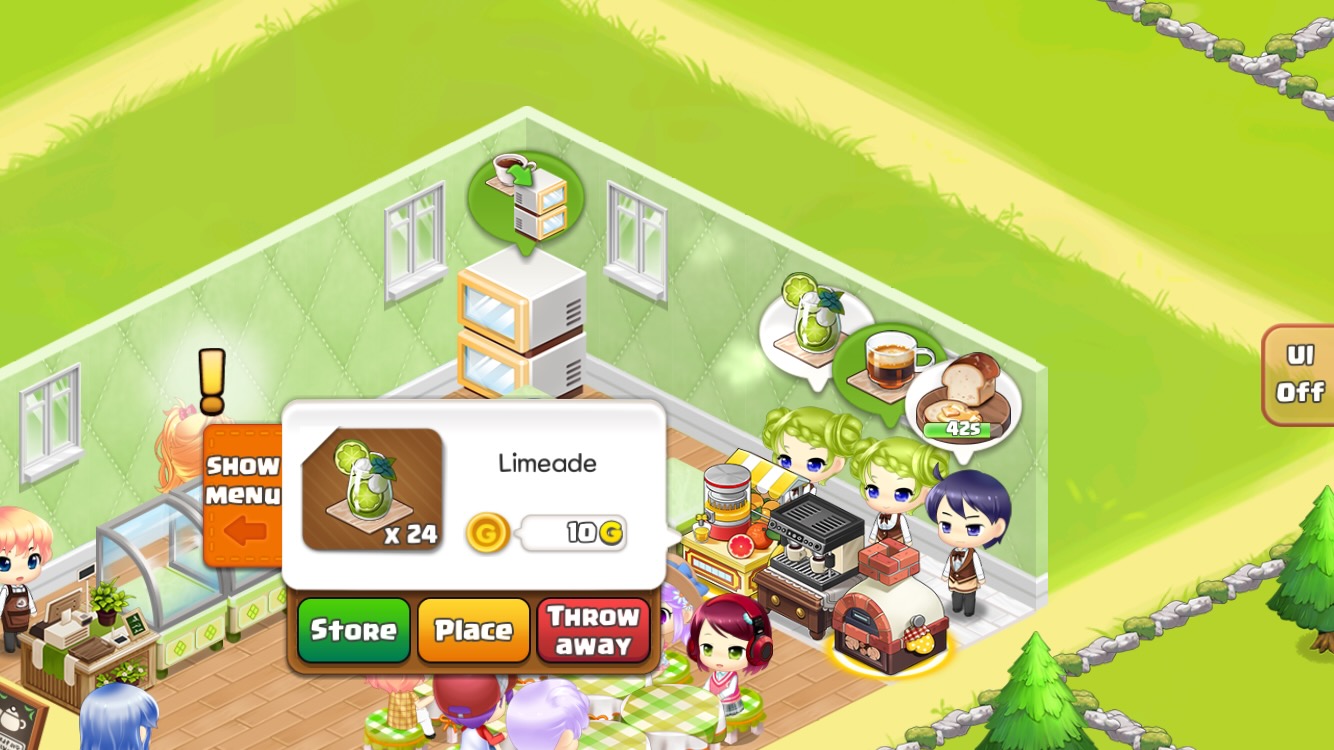
Store Individual Items: Tap the Barista's speech bubble, then select 'Store' in the pop-up window.
Displaying Stored Items
To sell items in your shop, you must first place them on display stands.
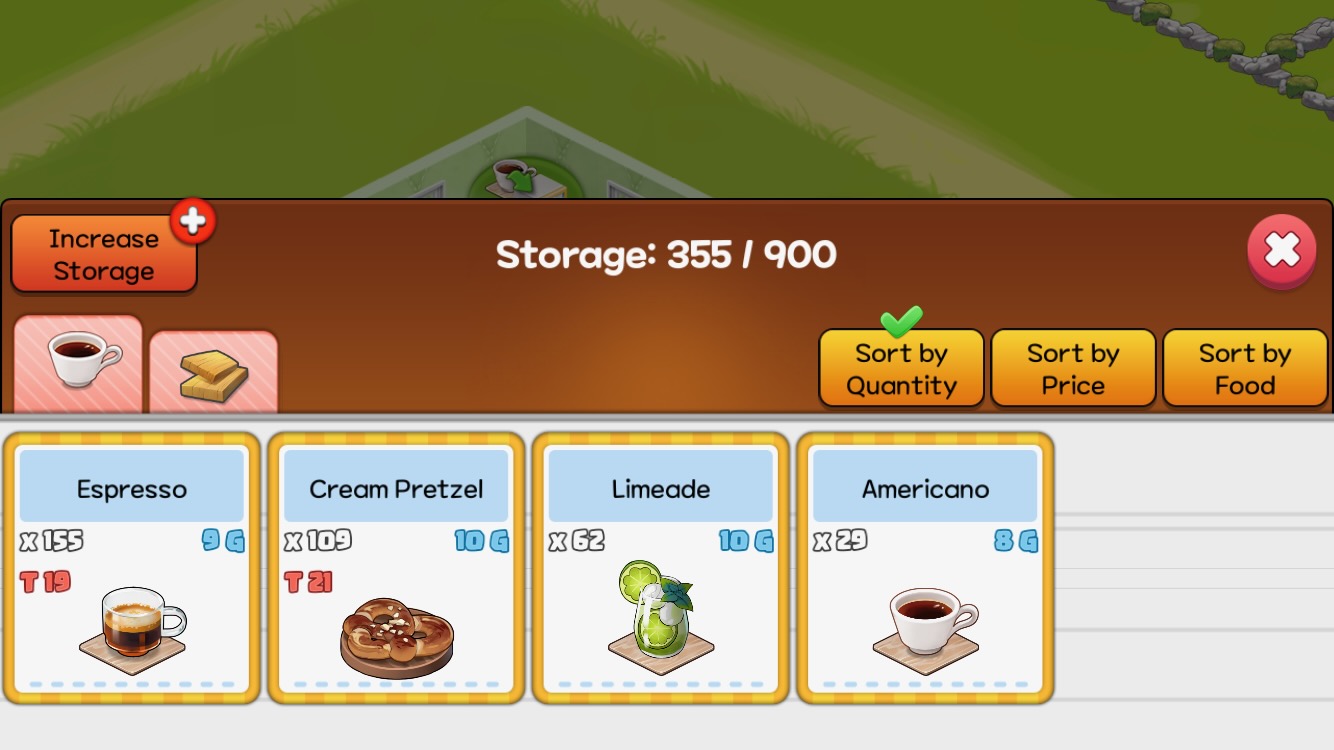
Tap Storage to open the storage screen.
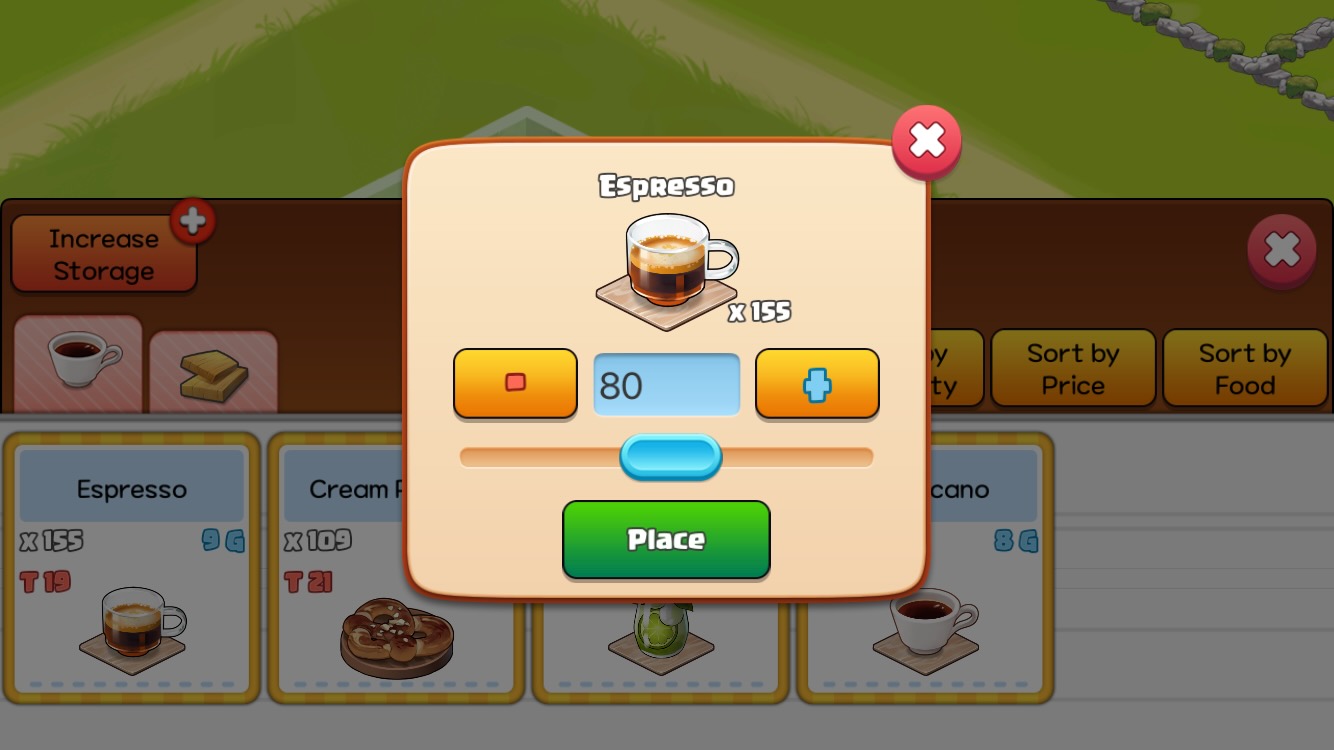
Select Item and Quantity: Select the item and quantity you want to display.
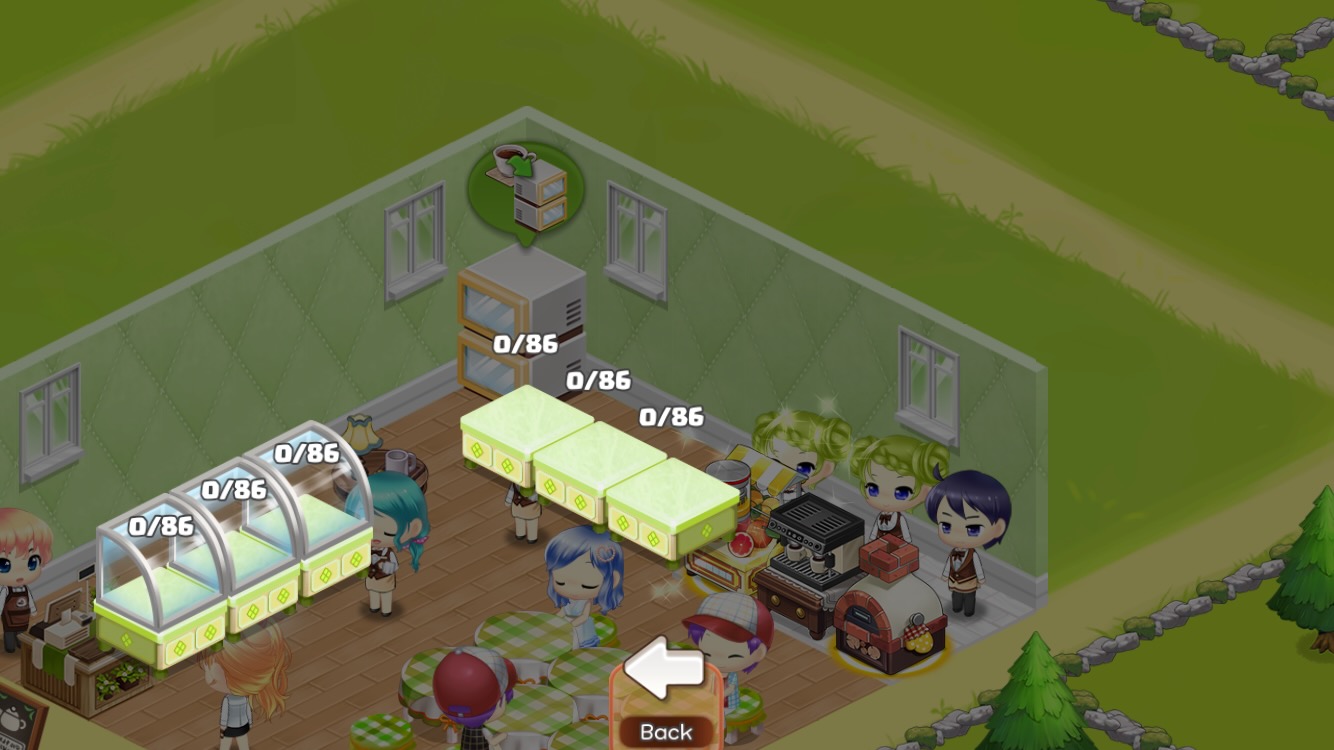
Tap the 'Place' button and select a stand to display the item there.
Storage Upgrade
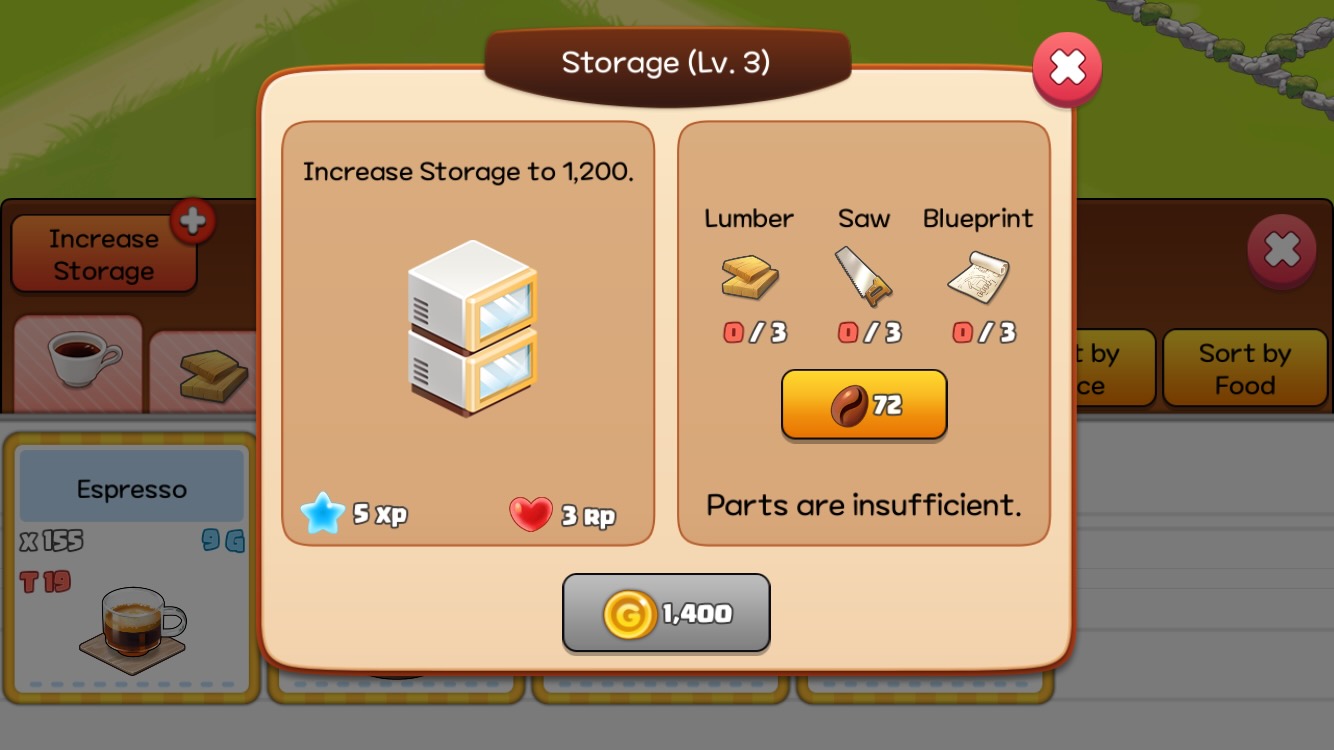
Tap the 'Expand Storage' button to open the upgrade pop-up window.
- Capacity Increase per Level: Increases by 300.
- Upgrade Materials: Requires Gold and Parts.
Storage Color Unlock

Tap the 'Paint Icon' button to open the Paint Shop pop-up window.
- Capacity increase from Paint colors: +5% for each unlocked Paint color.
- Paint materials: Gold and 19 pieces of Paint in each color are required.
Maximum Storage Level and Capacity
| Max Level | Max Capacity(6 colors unlocked+Skill Level 6) | |
| Coffee Shop Storage | 41 | 18,330 |
| Goods Shop Storage | 36 | 16,380 |
| BBQ Shop Storage | 26 | 12,480 |