
The most basic way to earn Gold in Hello Coffee Shop is by selling items made by your Barista, Designer, and Chef to customers.
How to Display Items on Display Stands
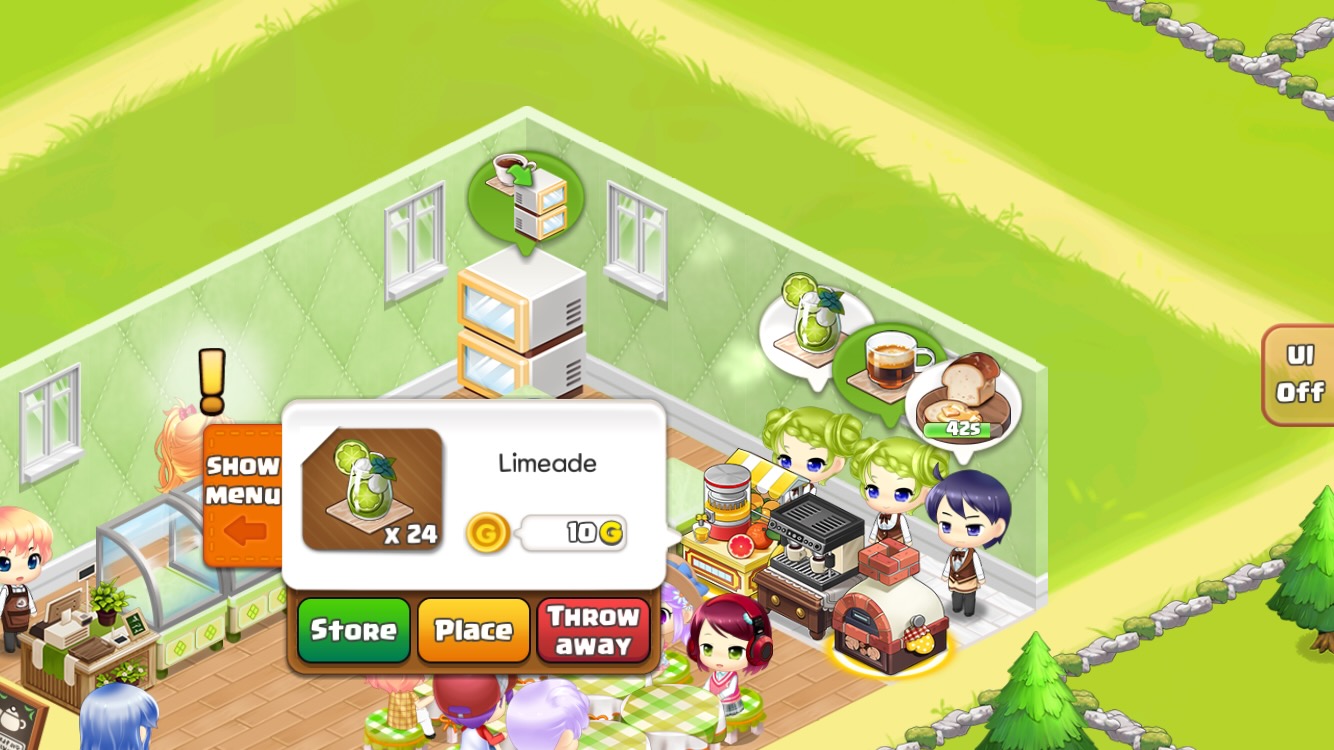
Tap the speech bubble above the Barista. In the pop-up window, tap the 'Place' button.
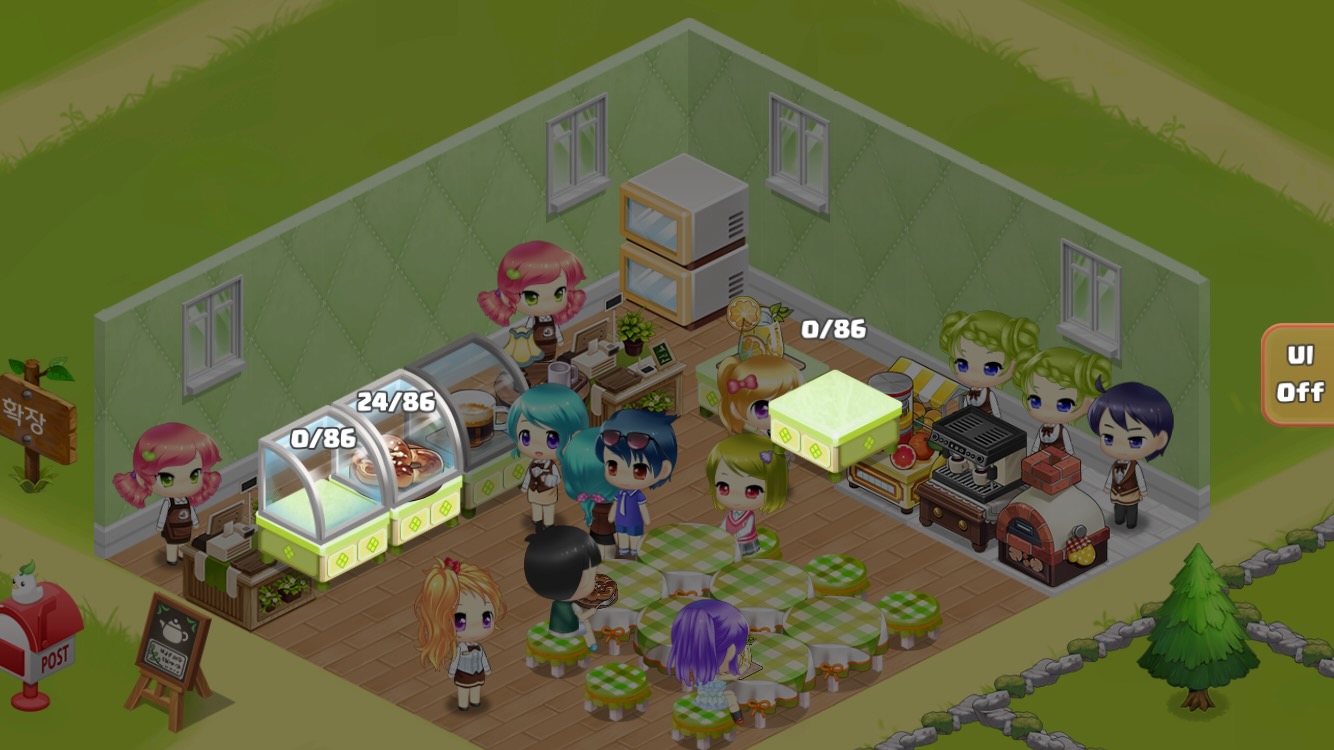
Tap the desired display stand to display the item.
Displaying Items from Storage
Please refer to the separate guide for instructions on how to display items from storage.
Online Sales
Selling while the game is running: Items on display stands will be sold to customers while the game is running.
Revenue: Selling price paid by customers + tips received by Serving Staff
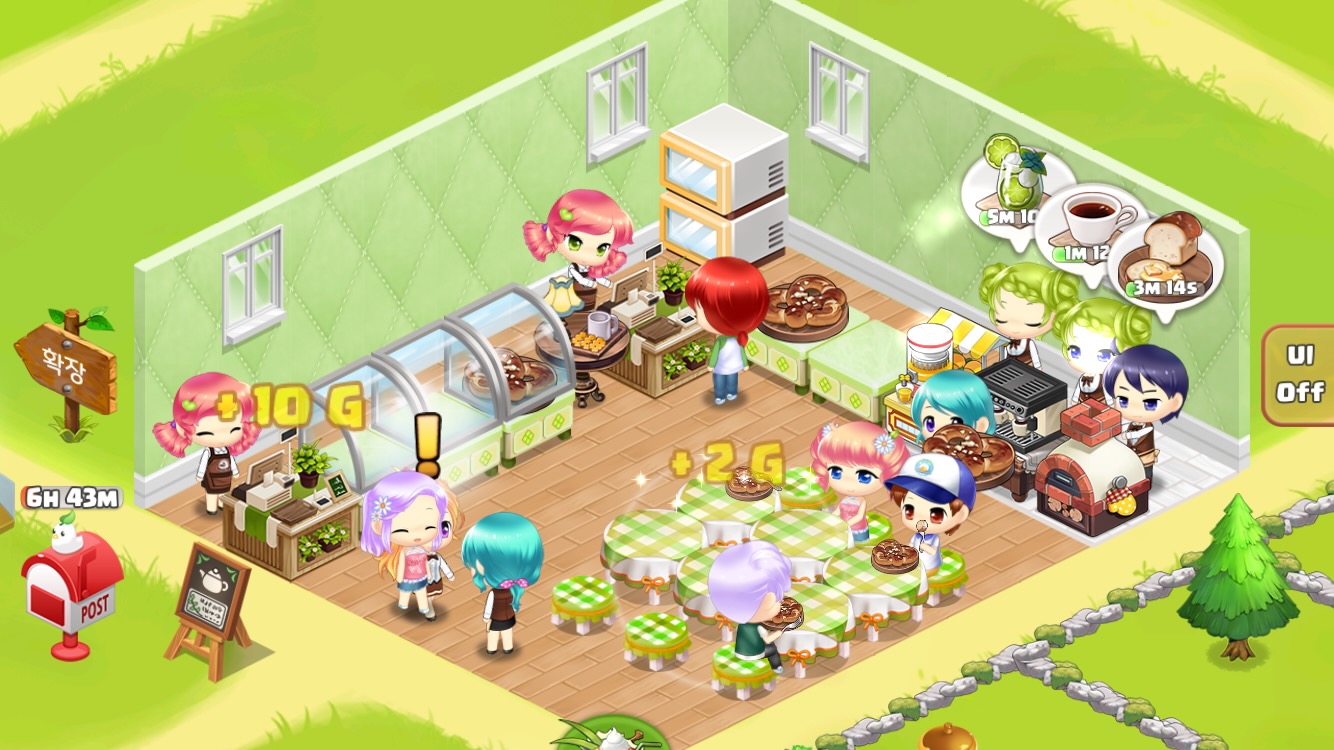
Shop open
Offline Sales
Restart the game 1 minute after closing: The offline sales pop-up window will appear.
Revenue calculation: Based on the number of customers per minute.
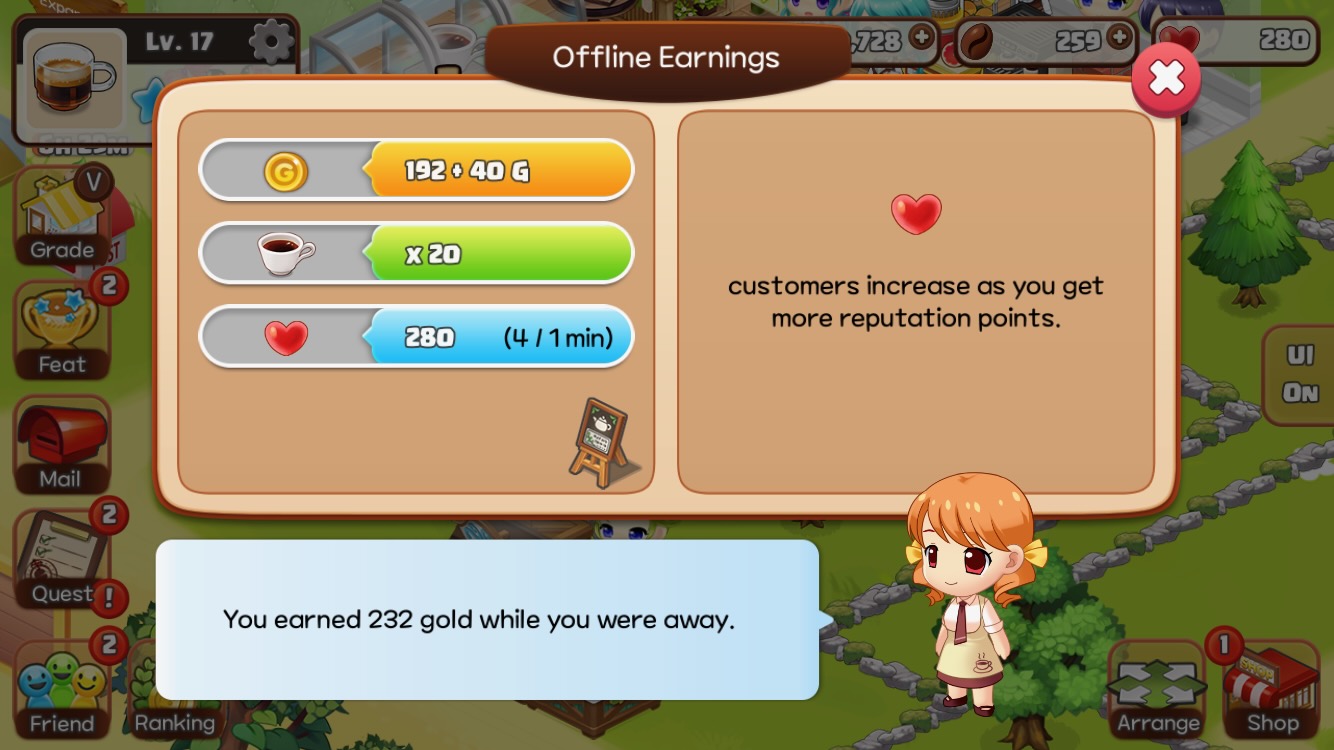
Offline Sales Popup
Increasing Customer Count
To sell items quickly, you need to increase customer count. For more information, please refer to the Shop Reputation / Customer Count guide.
Order/Delivery Sales
In addition to selling items in the store, you can also sell them through Takeout, Smart Car Delivery, and Boat Orders. Please refer to each guide for details.