
Smart Car Delivery unlocks upon reaching Sprout Grade and is one of the main ways to earn Gold and Parts. (See the separate guide for details on Shop Grade.)
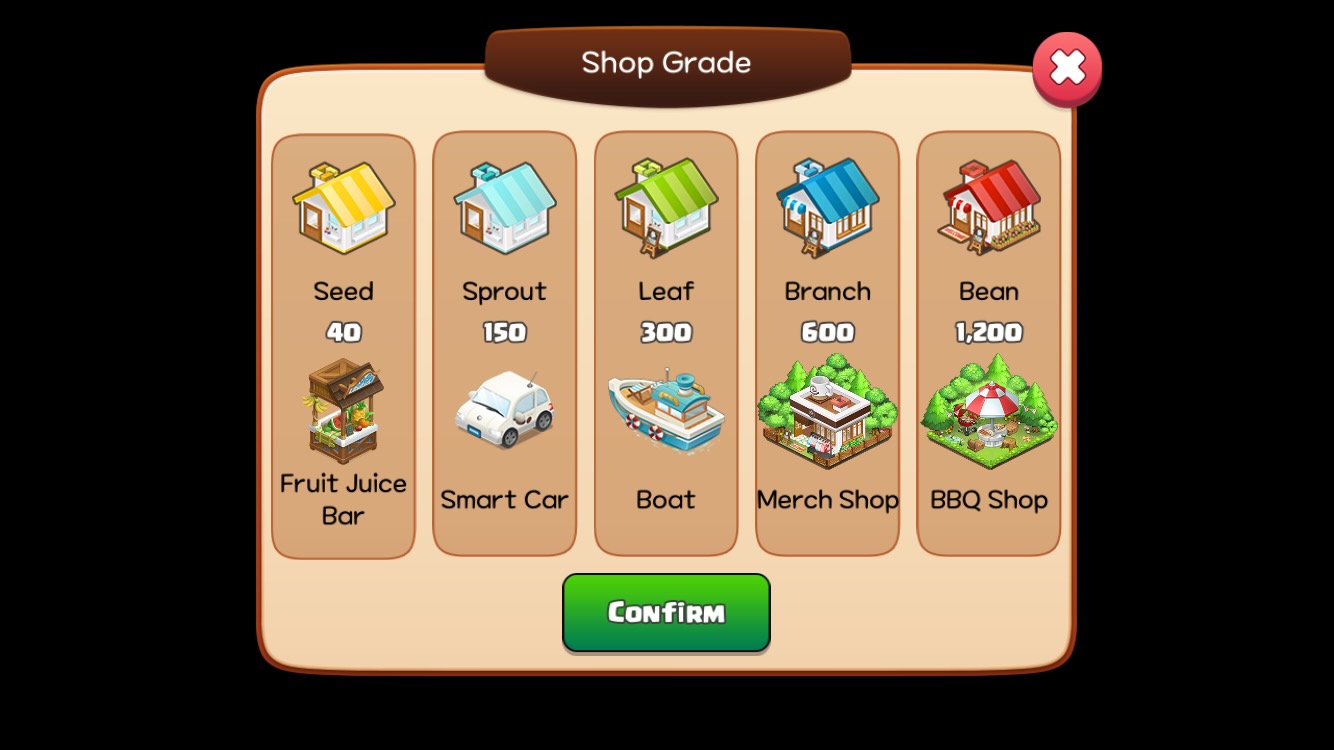
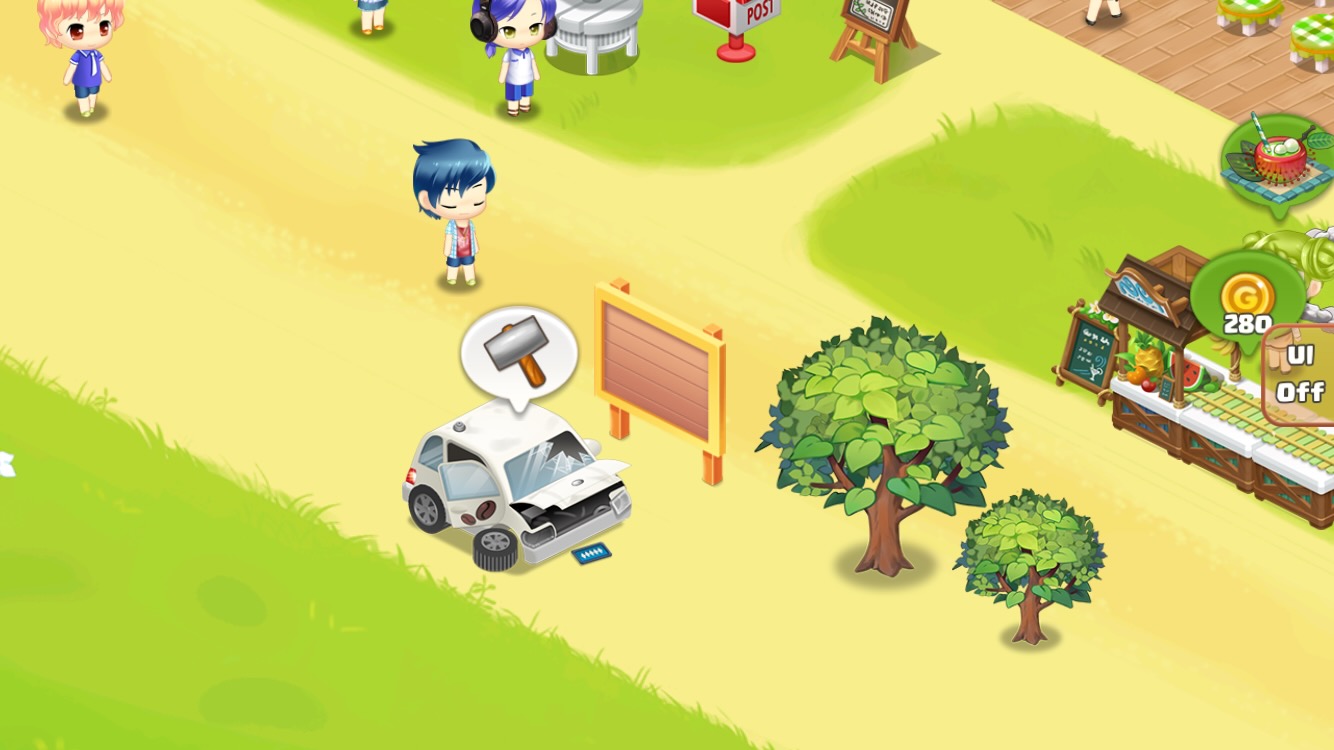
Reach Sprout Grade: A hammer icon will appear above the Smart Car.
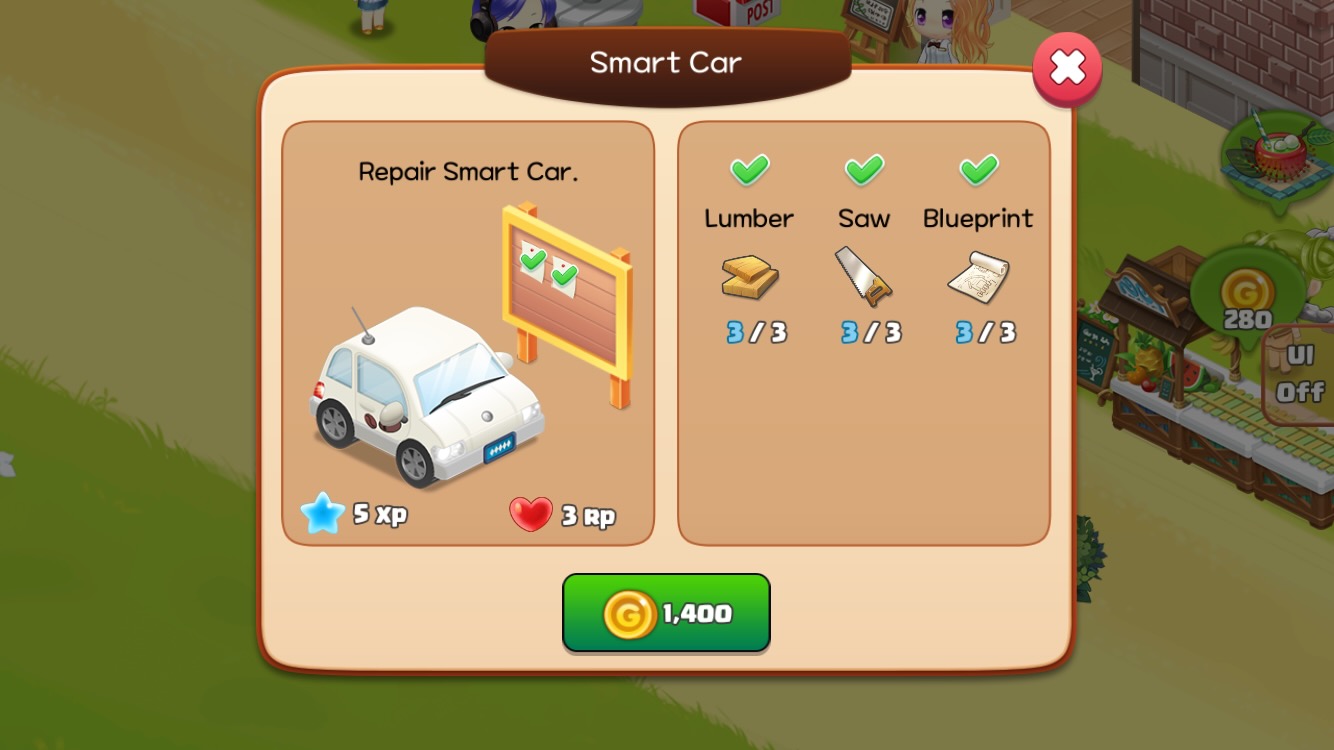
Repair the Smart Car: Repair it using 1,400 Gold and 3 of each Part.
Smart Car Order Board Guide
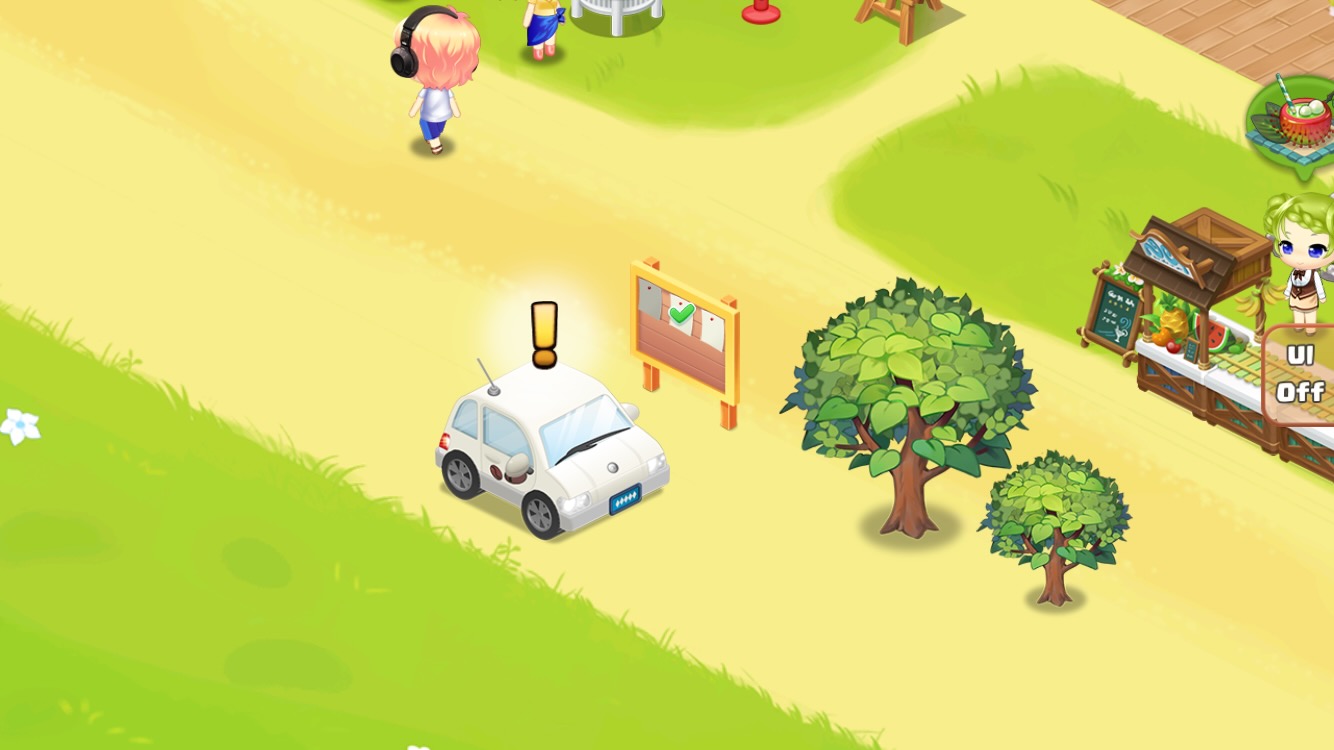
Checkmark: Delivery items are fully stocked.
White sticker: There aren't enough delivery items (make more items).
Gray sticker: The order is waiting.
How to Deliver with Smart Car
Tap the Smart Car Order Board to open a pop-up window with order details.
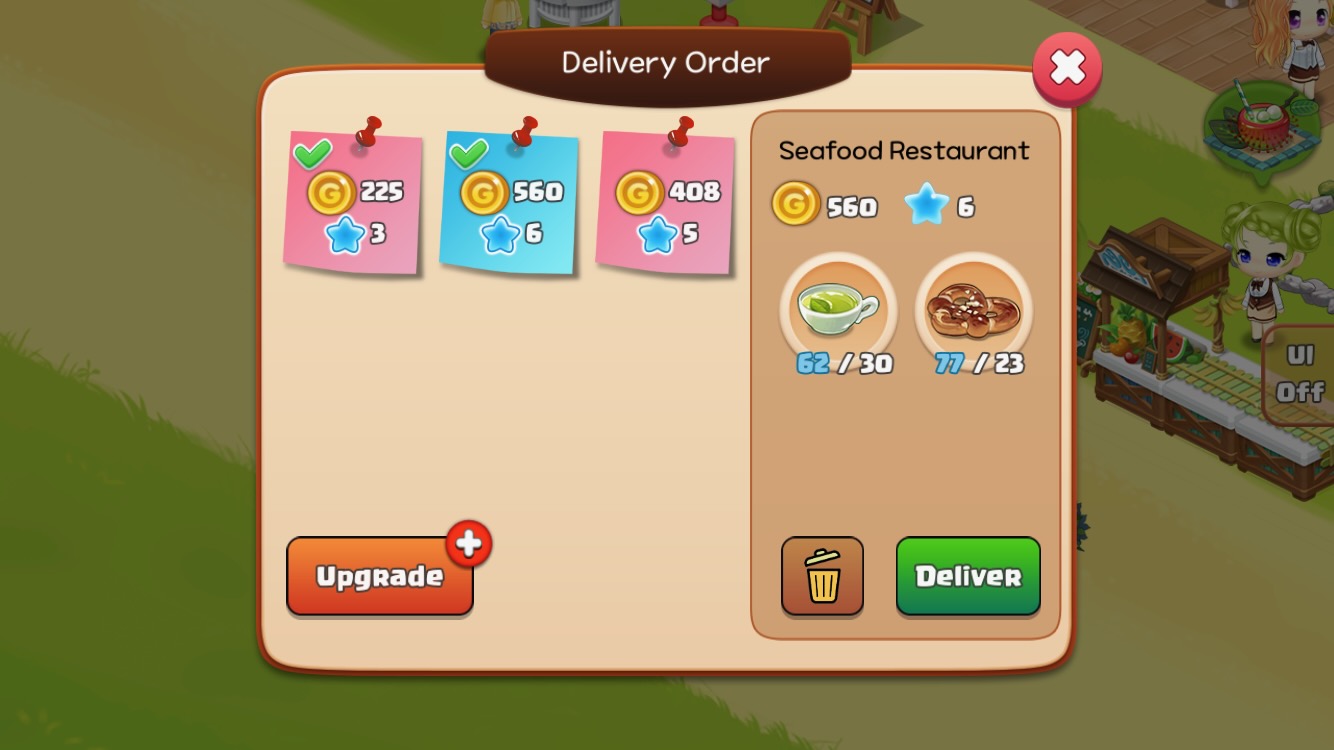
If the items are stocked, tap 'Deliver' to send the delivery and receive rewards.
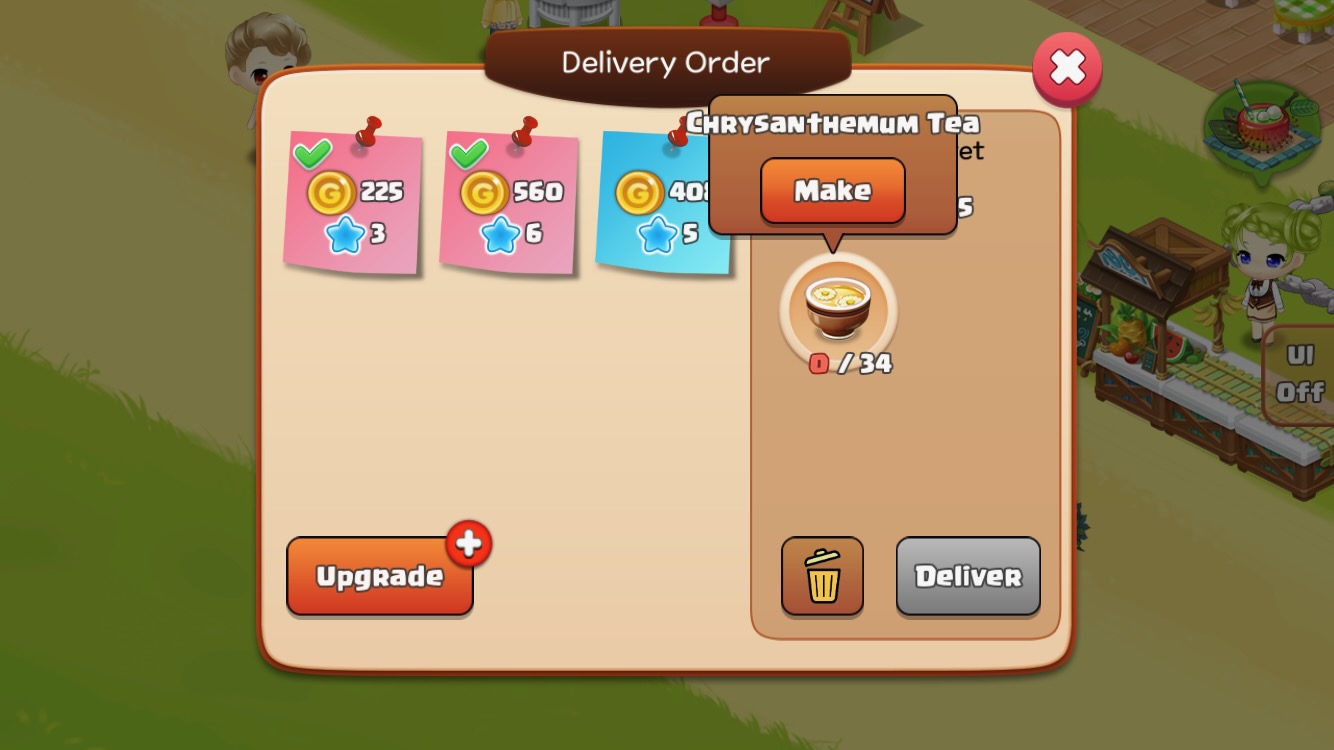
Tap the missing item, then tap the 'Make' button to go to the Item Production screen and make more.
Smart Car Upgrades
Upgrading the Smart Car increases the number of orders and items per order.
| Smart Car Level | Level Requirement | Gold Cost | Parts Needed | Number of Orders | Items per Order |
| 2 | 8 | 4,800 | 5 | 3 | 1~2 |
| 3 | 12 | 11,000 | 7 | 4 | 2~3 |
| 4 | 16 | 20,000 | 8 | 5 | 2~3 |
| 5 | 20 | 32,000 | 11 | 6 | 2~3 |
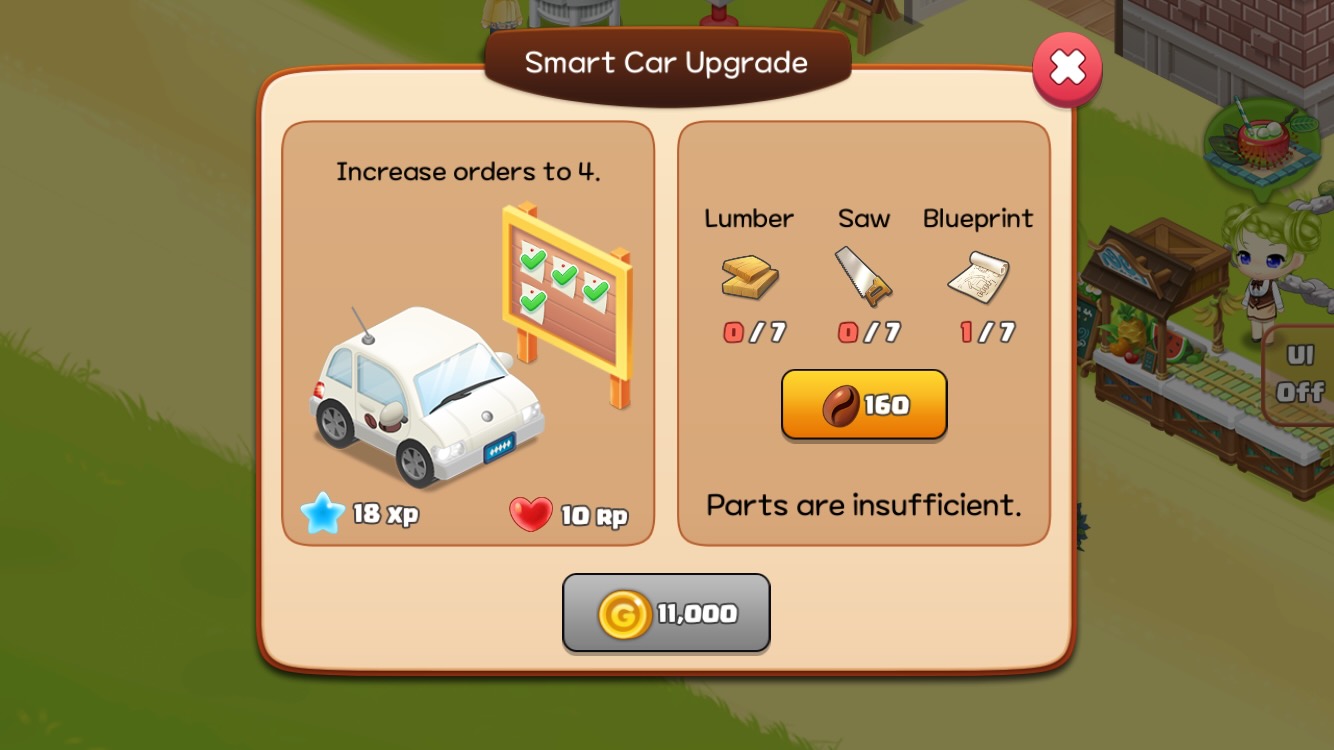
Tap the Smart Car to open the upgrade window.
Smart Car Color Unlock
- Sales increase from Paint colors: +5% for each unlocked Paint color.
- Paint materials: Gold and 32 pieces of Paint in each color are required.
Challenge
Smart Car Deliveries are one of the Challenges. See the Challenge guide for details.