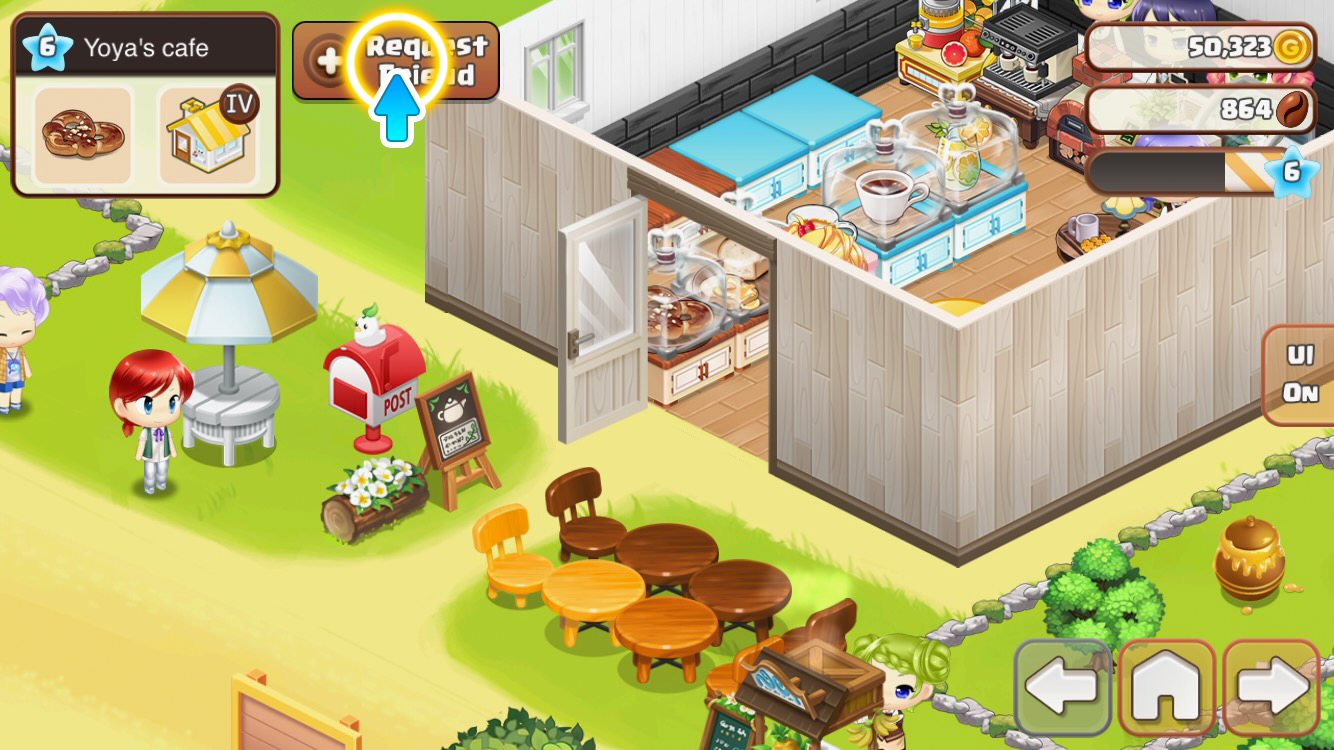
It's always better together! Add friends now and visit their shops every day. From Gold gifts to Treasure Chests and Social Dish Sales—share abundant rewards with up to 50 friends!
Opening the Friends Window
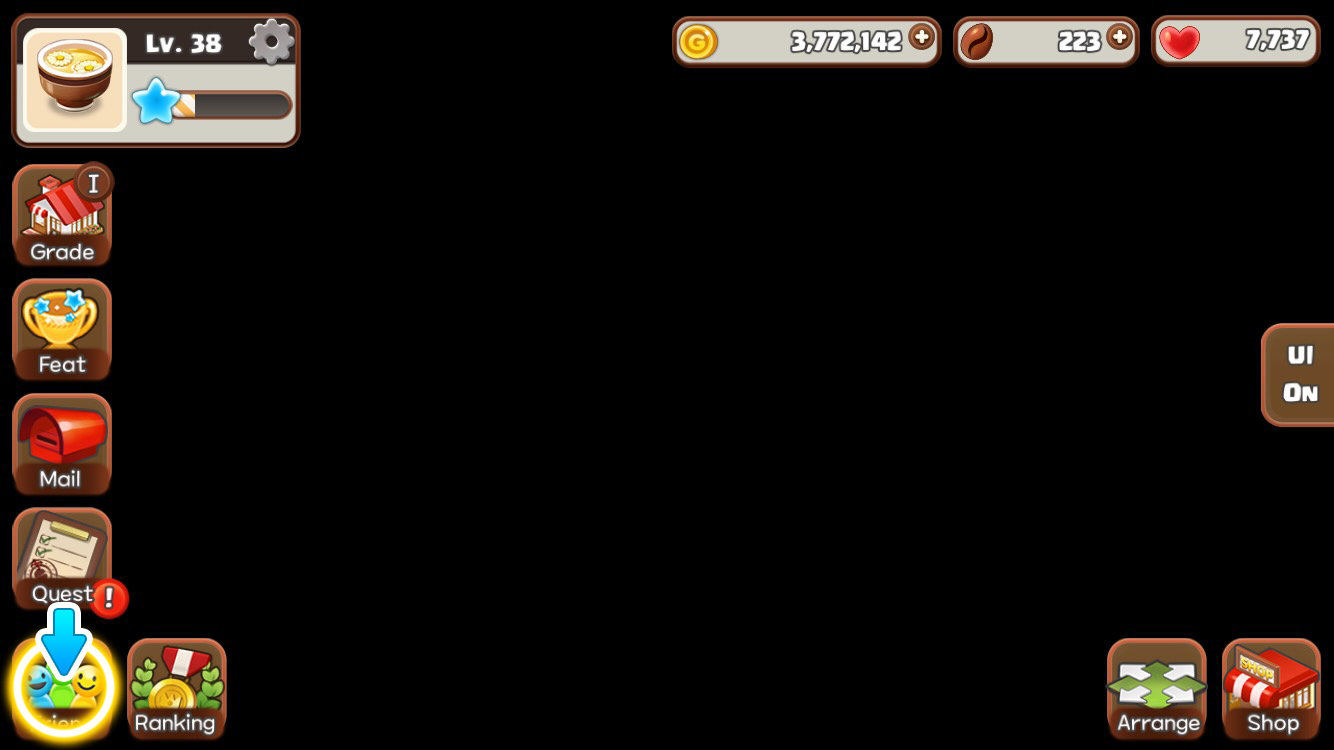
You can open the Friends window by tapping the friend icon in the lower left corner of the screen.
Friend Request Management
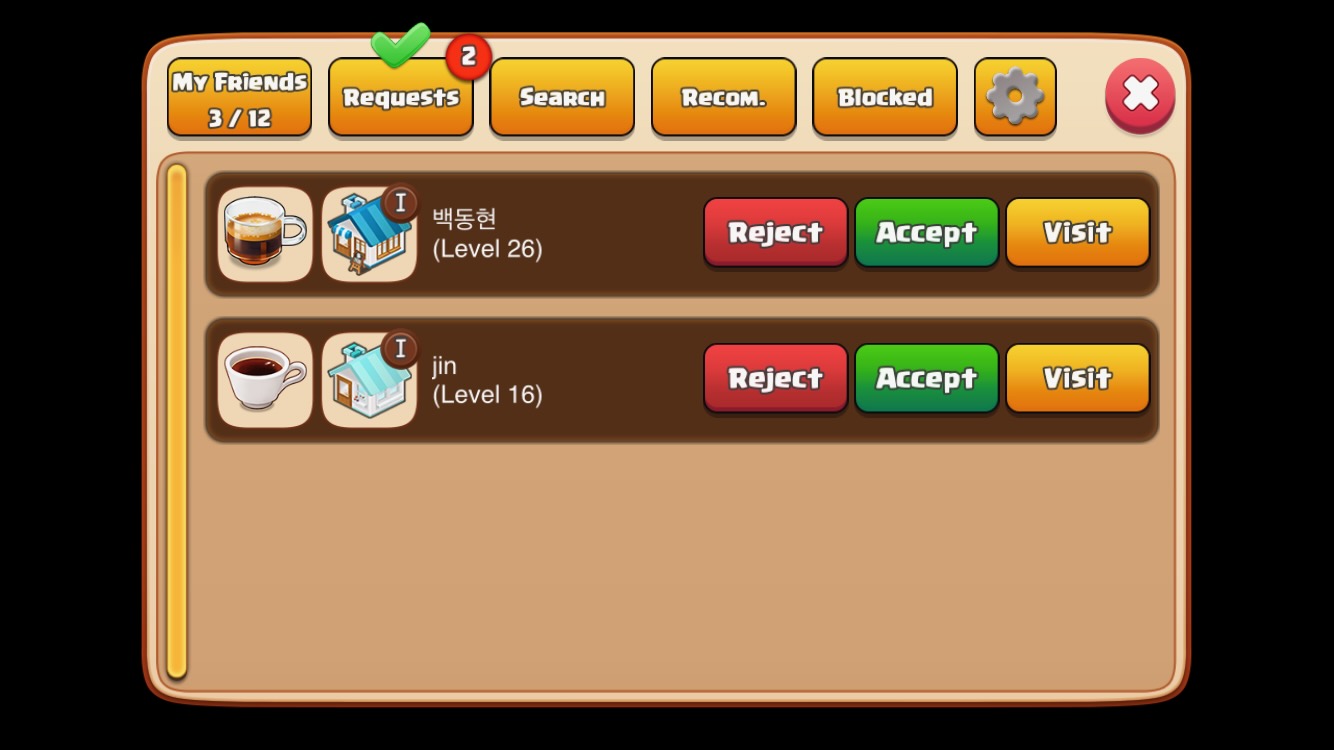
This is a list of users who have sent you friend requests.
You can accept or decline friend requests. (However, you cannot accept requests if you have reached the maximum number of friends.)
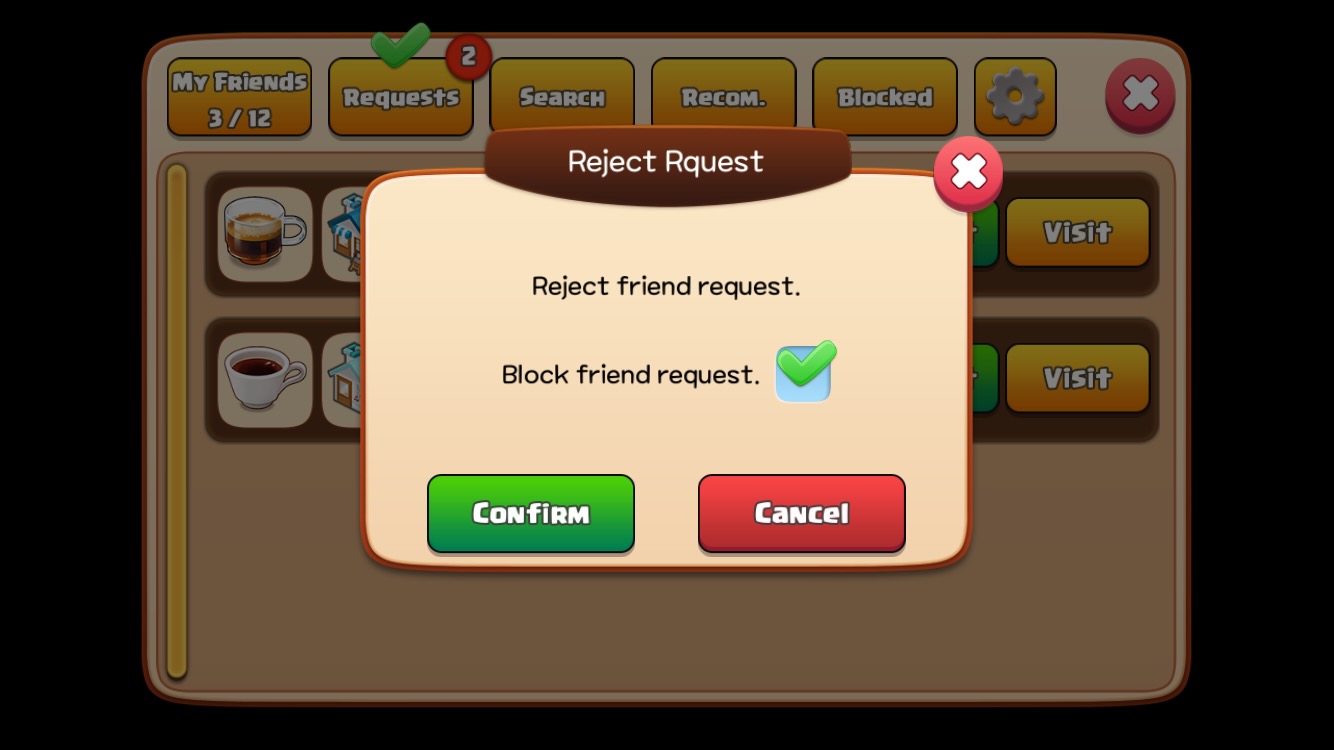
If you tap the 'Decline' button, a pop-up window will appear with an option to block friend requests from that user.
Finding Friends
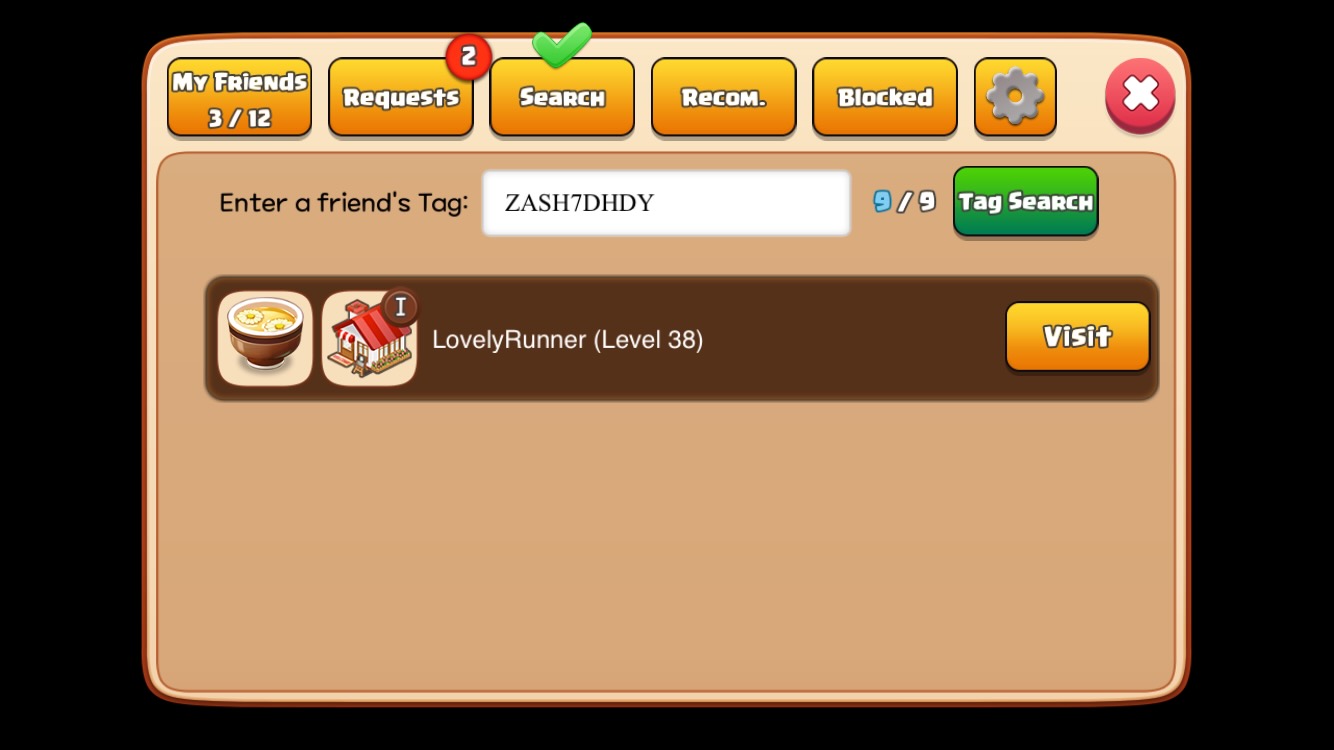
You can search for friends by their tag.
Recommended Friends
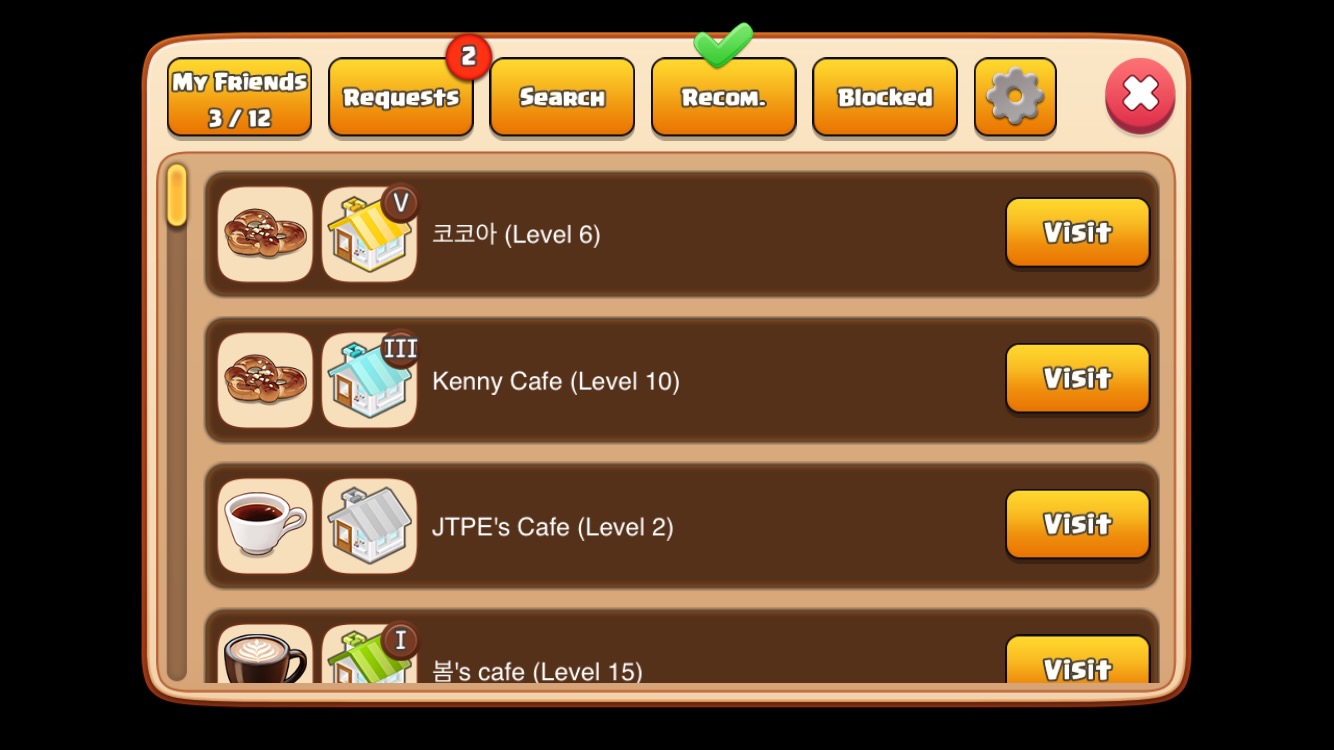
Users who have recently logged in and have a similar level to you will be displayed in the recommended friends list.
Managing Blocked Friends
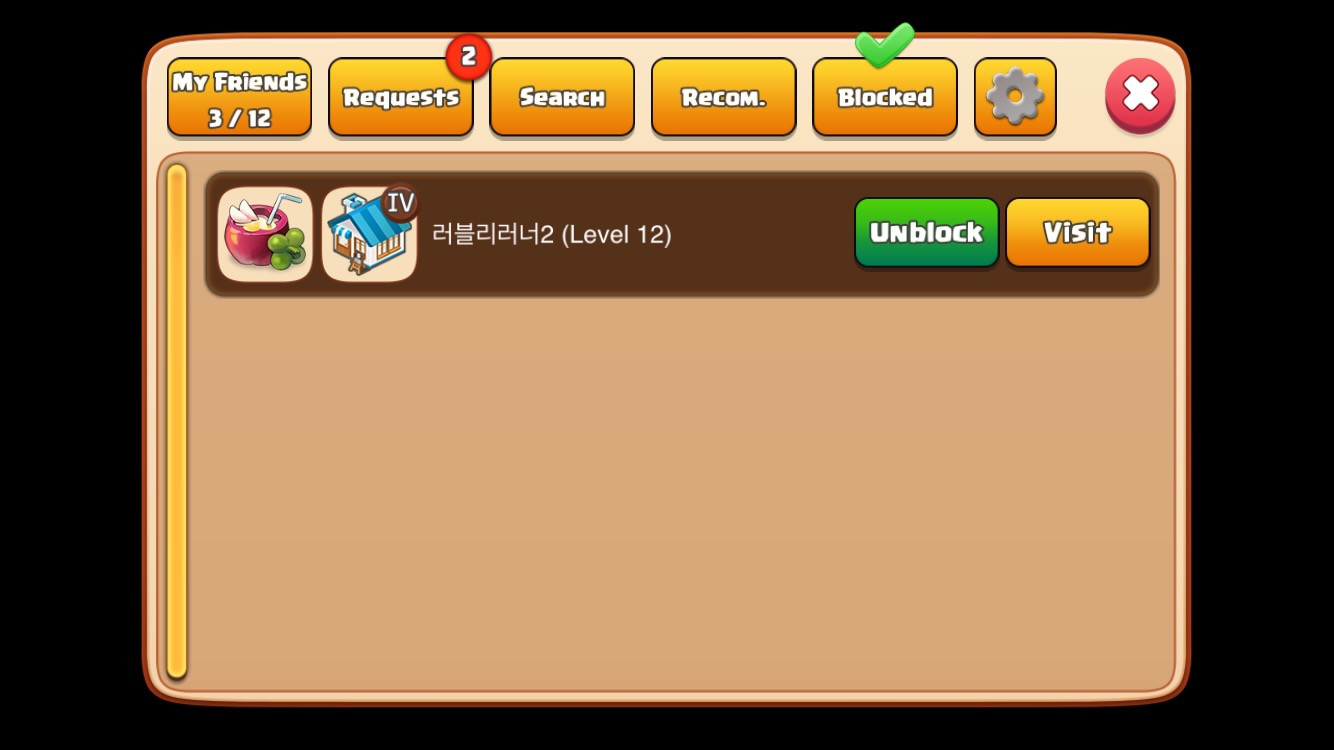
Blocked friends will appear in the blocked friends list. You can unblock them by tapping 'Unblock' to receive friend requests from them again.
Friend Request Settings
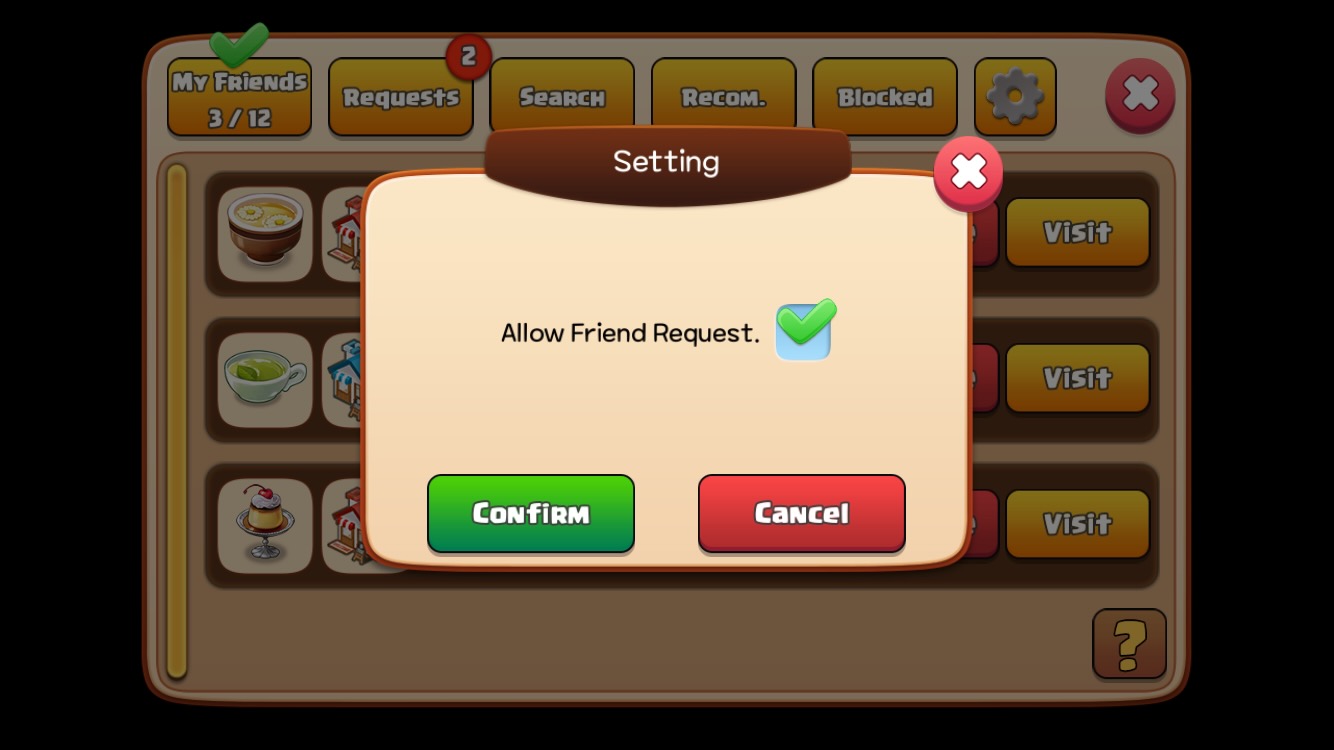
You can set whether to allow friend requests by tapping the gear icon in the upper right corner of the Friends window.
How to Send a Friend Request
Visit a friend's shop and tap the 'Request' button.